Easy Online Workflow
Remove backgrounds online with no software downloads or desktop setup.
Remove the original background and choose transparency, a solid color, or your own still image without manual masking.
Drag / Paste / Click


Upload a clip, choose the background, review the full cost, and download the processed video.
Upload an MP4, MOV, or WebM file.
Choose your background mode.
Review the credit estimate, process the full clip, and download your result.
Choose a background for your next video project.
The model detects the foreground and removes the surrounding scene automatically. Choose transparency, a solid color, or your still image to use in your edit or creative project you can share.
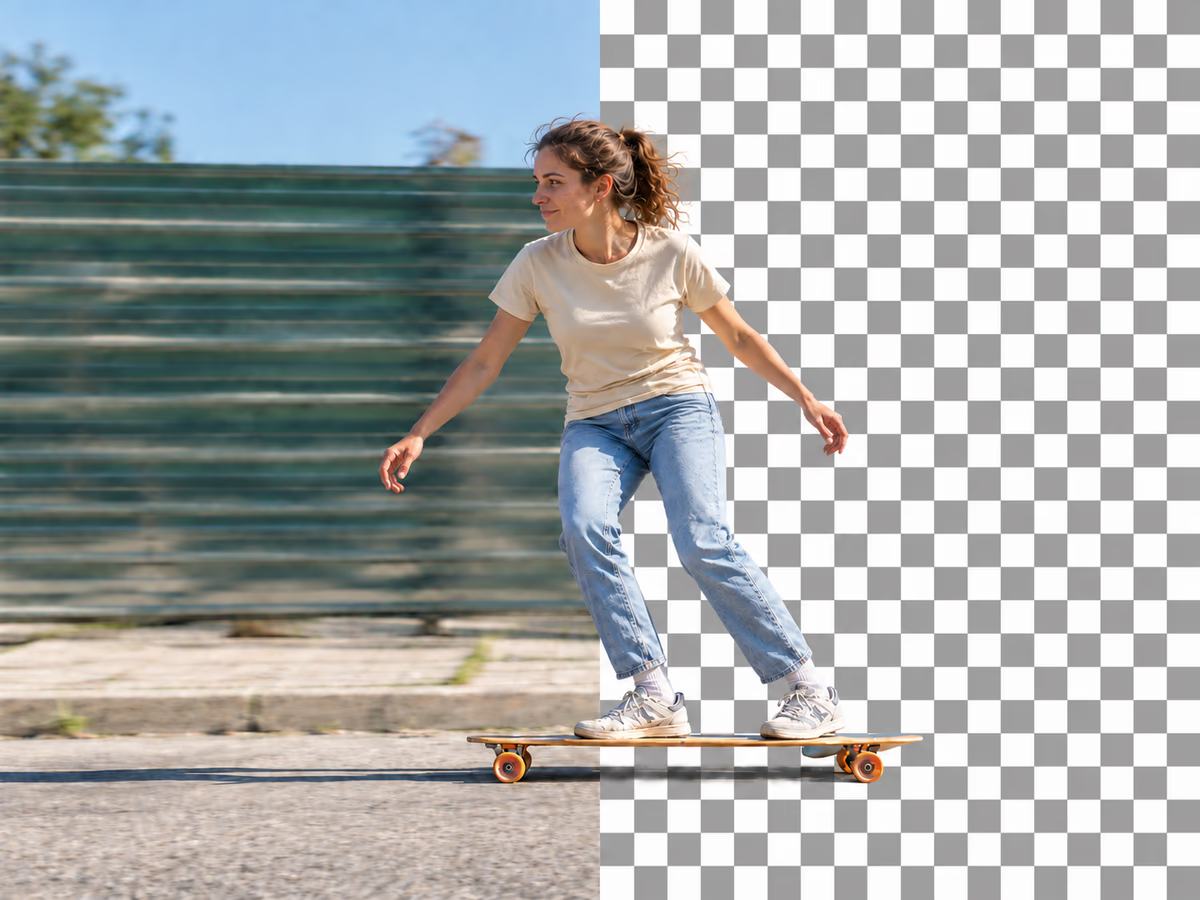
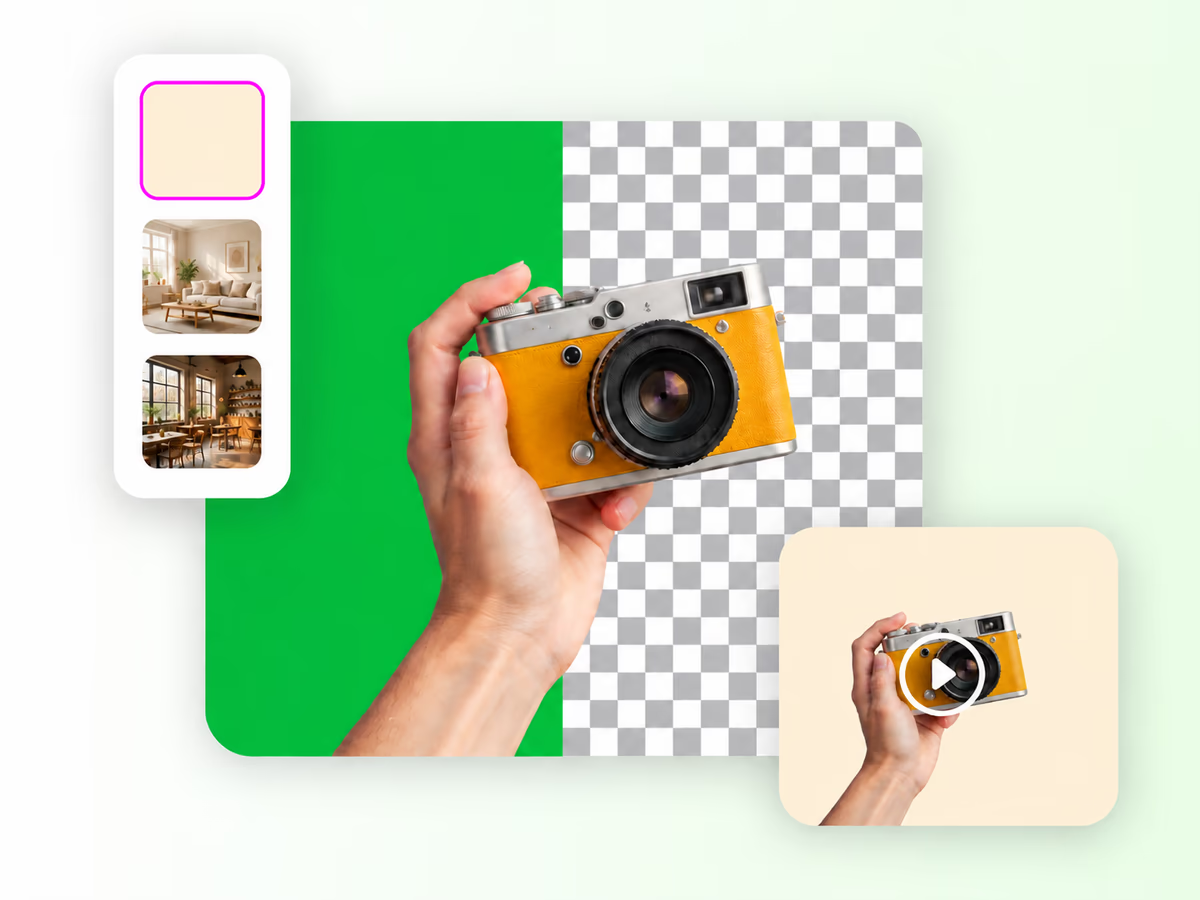
No green screen needed. Skip the expensive equipment and complex chroma-key setup. Remove the background from real-world footage and take your subject into a new scene.
Remove the background from the full clip without drawing frame masks. Clear subjects and steady lighting help the model find the boundary.
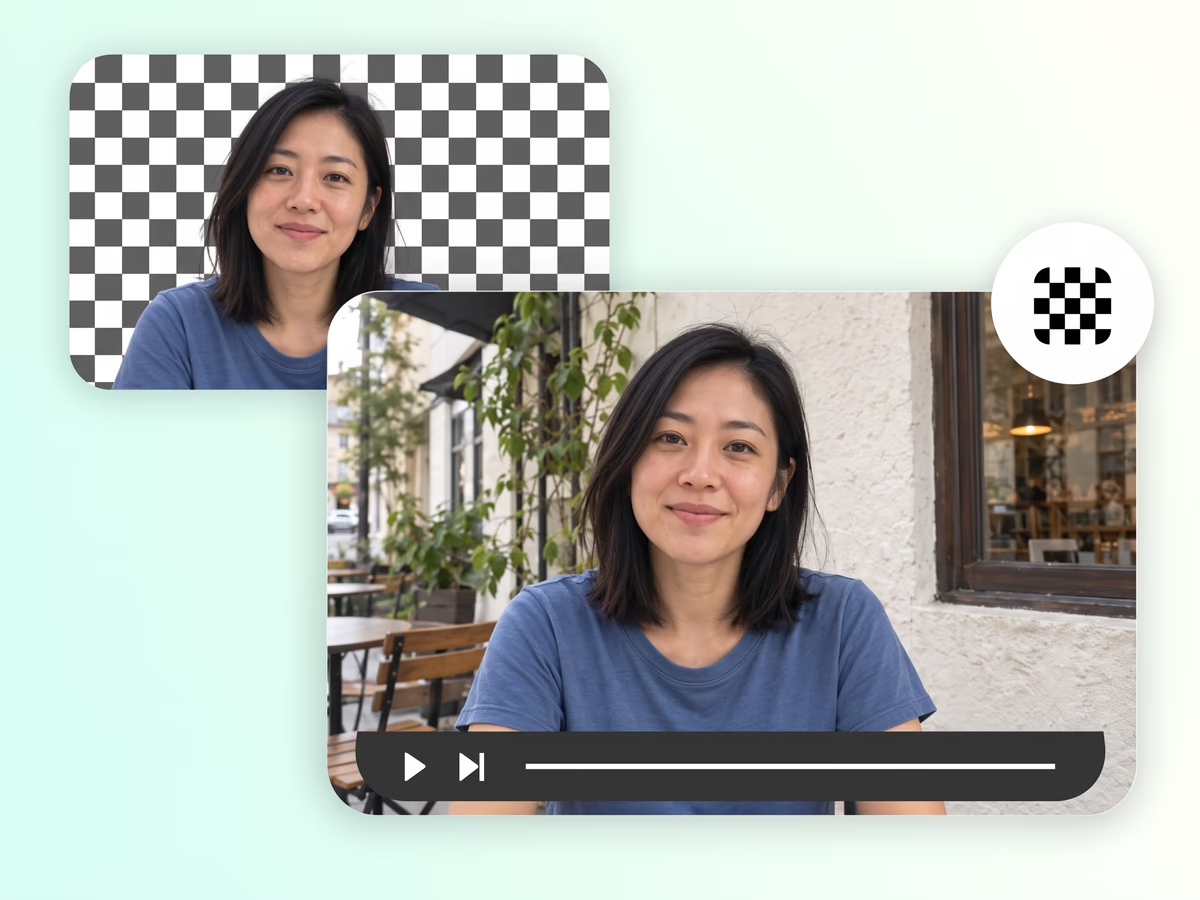
Remove the scene automatically in your browser and choose the background that fits your project.
Remove backgrounds online with no software downloads or desktop setup.
Choose the output. One click starts background removal for the full clip.
Fit the scene to your project.
Check the cost of the full clip.
File limits, output modes, costs, and footage tips.