Preview Image
Judge the subjects, textures, and edges that matter in your own file.
Increase image dimensions while refining edges and texture for a cleaner large-format result. Upload your photo, choose 2x or 4x, and use one of five free previews before processing the full image.
Upload once, choose 2x or 4x, and preview before using credits for full processing.
Drop a small image here
Frontend demo: your file stays in this browser and no upscaling API or preview credit is used.


Every account includes five free previews. Use your own image to inspect edge quality, texture, and overall enlargement before deciding whether to process the full file.
Included with every account
5 free previews
Choose an output
2x or 4x
Judge the subjects, textures, and edges that matter in your own file.
Review the original and preview together so you can decide whether the selected enlargement fits your use.
Five previews cost zero credits. Use credits only when you choose full processing.
Move from a small source file to a larger output without learning a complex photo editor.
Start with a photo, graphic, product image, or illustration that needs more pixels for a larger use.

Select the enlargement ratio that fits your intended display, print, presentation, or product page.
Inspect edges and texture in the free preview, then use credits only if you want the full image processed.
Compare small source images with examples prepared for larger displays and closer viewing.


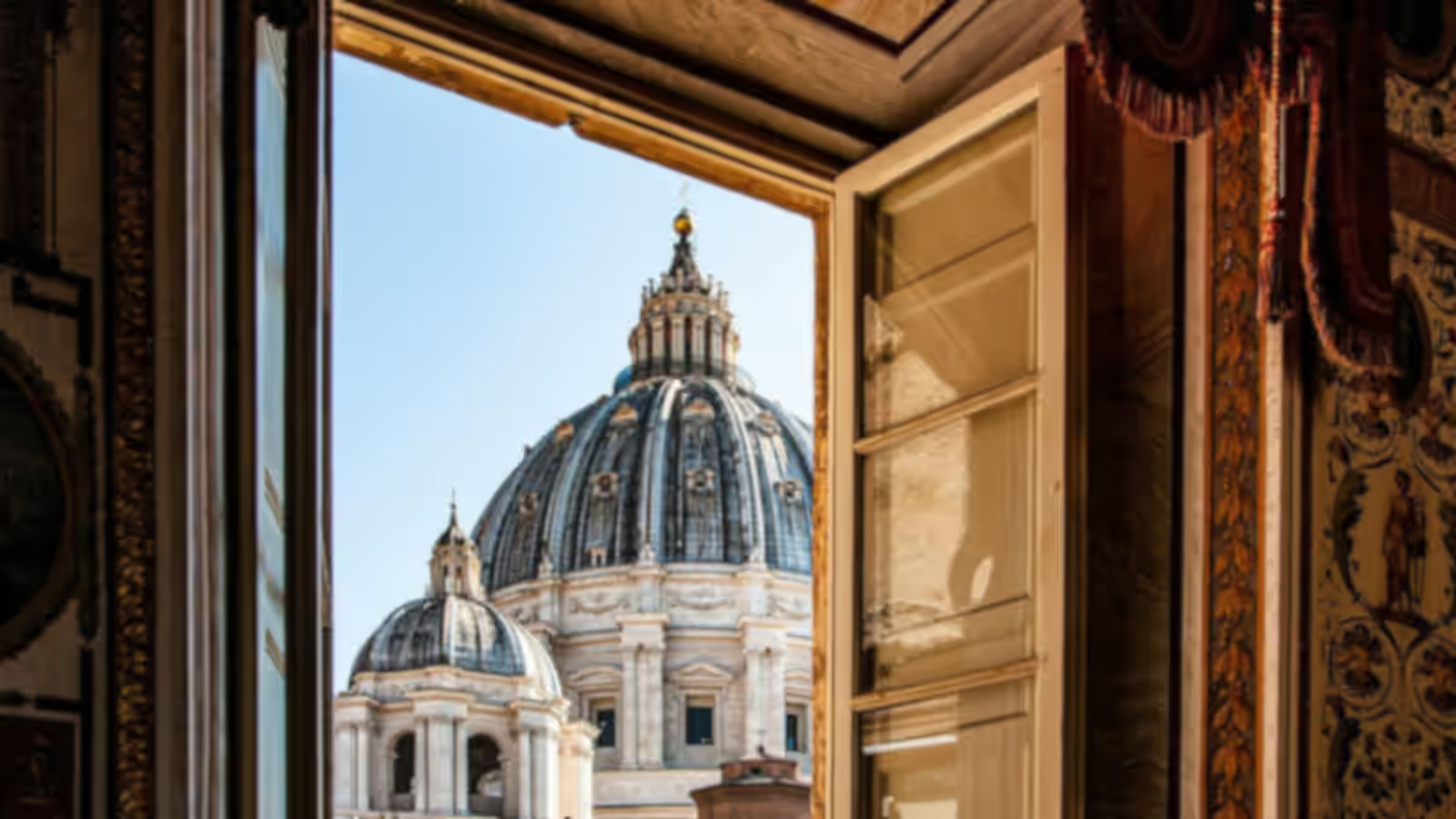
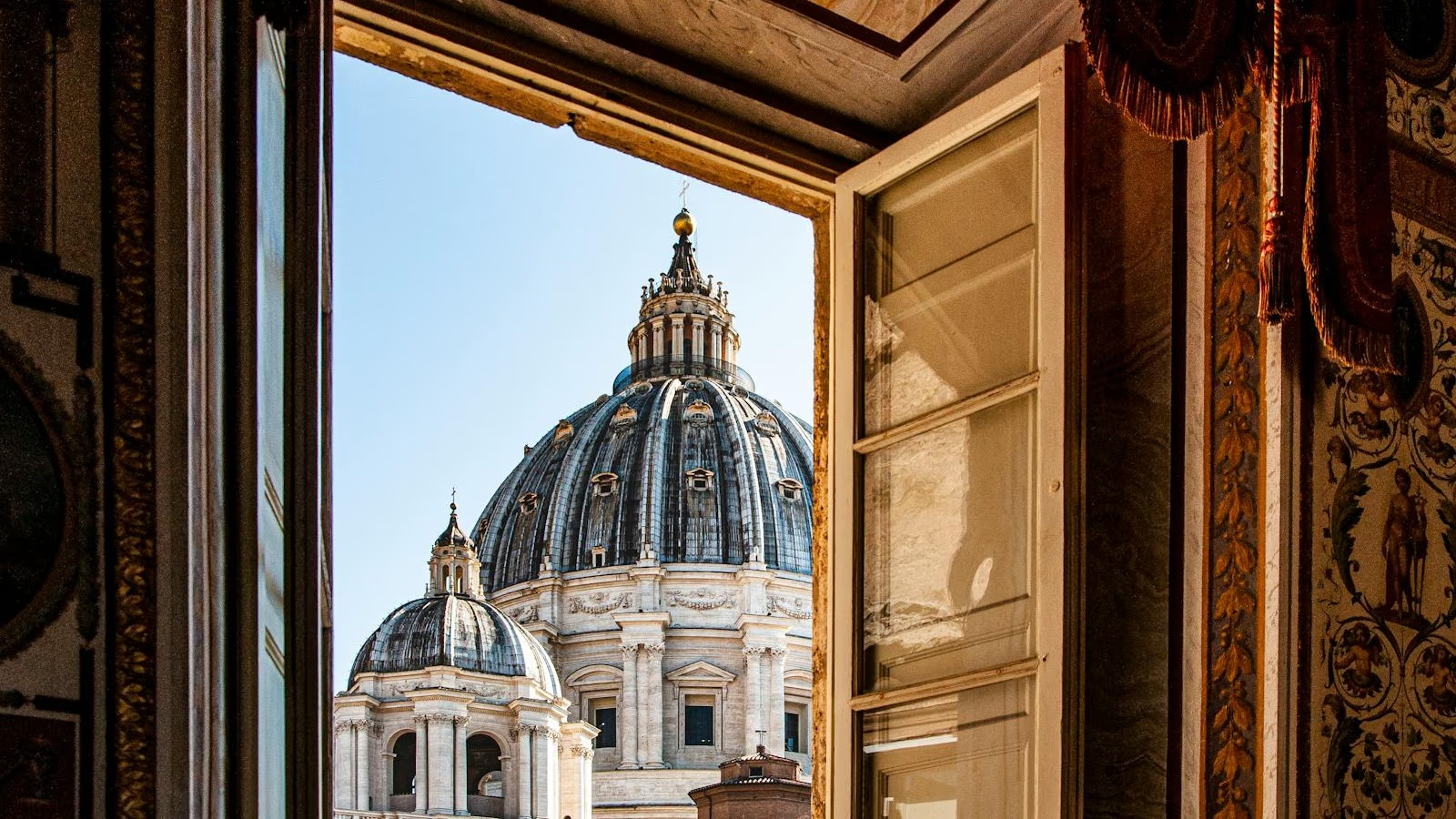


The upscaler is built for dimension-first tasks: creating a larger file while keeping edges and textures visually coherent.
Choose the image upscaler when output dimensions matter more than general retouching or exposure correction.
Show materials, labels, and product details at a larger, more useful size.
Prepare small digital artwork for larger layouts while preserving line style, color blocks, and texture.
Create more suitable assets for slides, screens, digital signage, and layouts that expose undersized images.
Increase the available pixel dimensions before a modest print, then review the preview at the intended viewing size.
Learn how enlargement differs from enhancement, how previews work, and how source quality shapes results.