Product Details
Clarify seams, labels, edges, and surface texture at normal viewing sizes.
Bring definition back to slightly soft photos, product details, labels, and graphics. The image sharpener strengthens useful edges and texture while avoiding the brittle halos caused by aggressive sharpening.
Drop a soft image here
Frontend demo: your file stays in this browser and no sharpening API is called.


Use a focused workflow for soft edges and fine detail, then compare the result before saving.
Choose a portrait, product photo, sign, screenshot, or graphic whose edges need clearer definition.
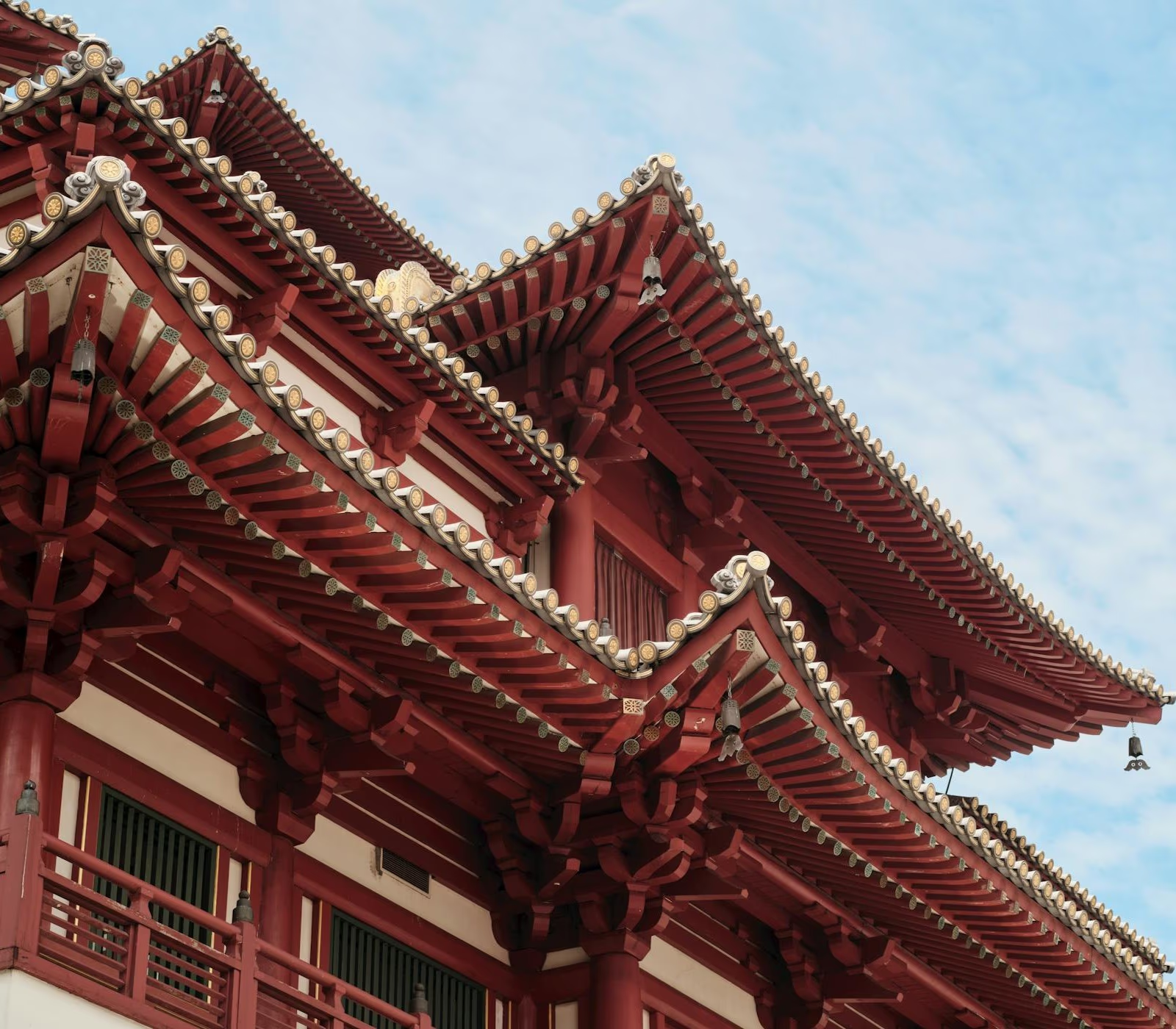
The sharpening pass strengthens useful local contrast around contours, text, and surface detail.
Compare the result at normal size and close up to make sure important details are clearer without visible halos.
Use targeted edge and texture refinement when a recognizable subject needs a crisper final presentation.
Strengthen the outlines around packaging, objects, architecture, and graphic elements so they separate more clearly from nearby tones. The goal is crisp structure without bright halos or jagged-looking contours.
Improve the definition of labels, signs, interface captures, and other small visual elements that look slightly soft. Sharpening can clarify existing structure, but it cannot recreate lettering that is completely missing.
Keep skin, fabric, hair, foliage, and textured materials believable while making their existing detail easier to see. For motion streaks, camera shake, or missed focus, switch to Unblur Image instead.
Choose sharpening when a usable image needs clearer definition, not major reconstruction.

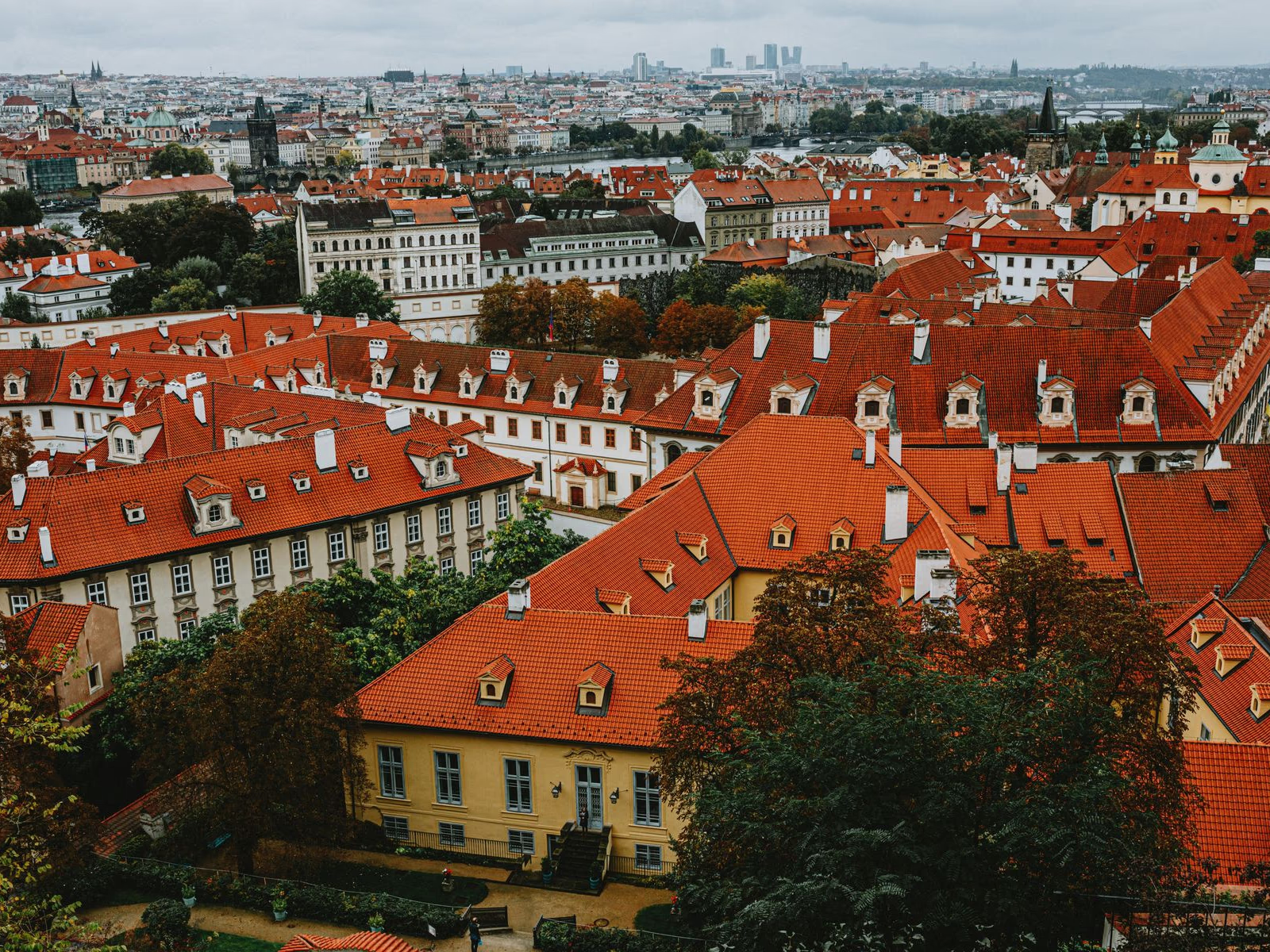
Clarify seams, labels, edges, and surface texture at normal viewing sizes.
Add definition to visible letters, icons, and interface elements without claiming to recover missing content.
Improve eye, hair, and clothing definition while keeping skin texture from becoming brittle or overly emphasized.
Give resized images a cleaner final pass for posts, thumbnails, listings, and presentations.
Find out when sharpening helps, when unblurring is the better choice, and what happens to fine texture.