01
Remove Text Watermarks
Words, phrases, and copyright notices may appear near the center or partly transparent. The tool detects the text and rebuilds the image beneath it.
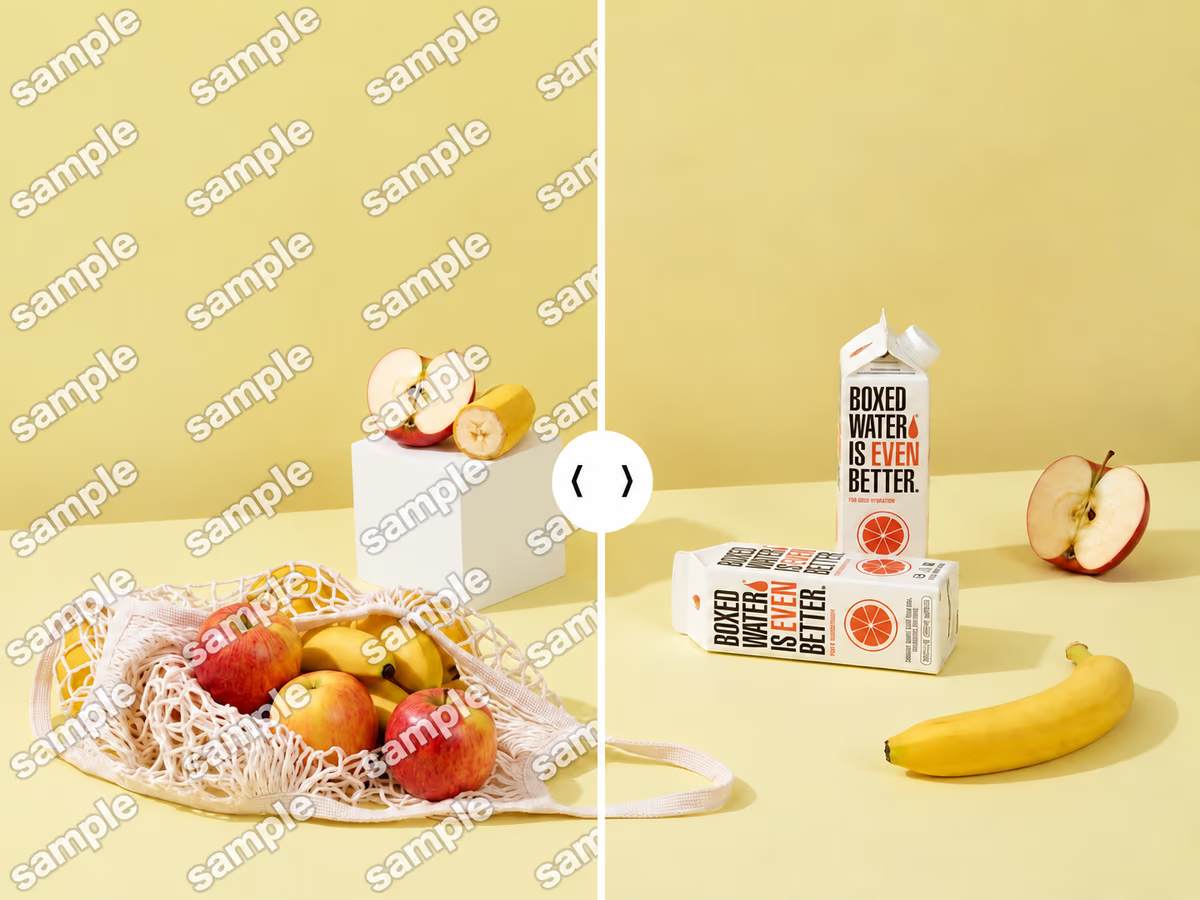
Automatically detect visible logos, text, and date stamps, then reconstruct the covered areas without cropping the photo.
Drop your image here or choose a file


A few examples show how the tool removes visible marks and rebuilds the detail beneath them.
Words, phrases, and copyright notices may appear near the center or partly transparent. The tool detects the text and rebuilds the image beneath it.

Brand icons, symbols, and graphic marks may sit in a corner or across the center. The tool removes the logo and rebuilds nearby colors and textures.
Repeated diagonal marks can be harder to reconstruct when they cover large areas or unique details. Review the rebuilt regions before using the image.
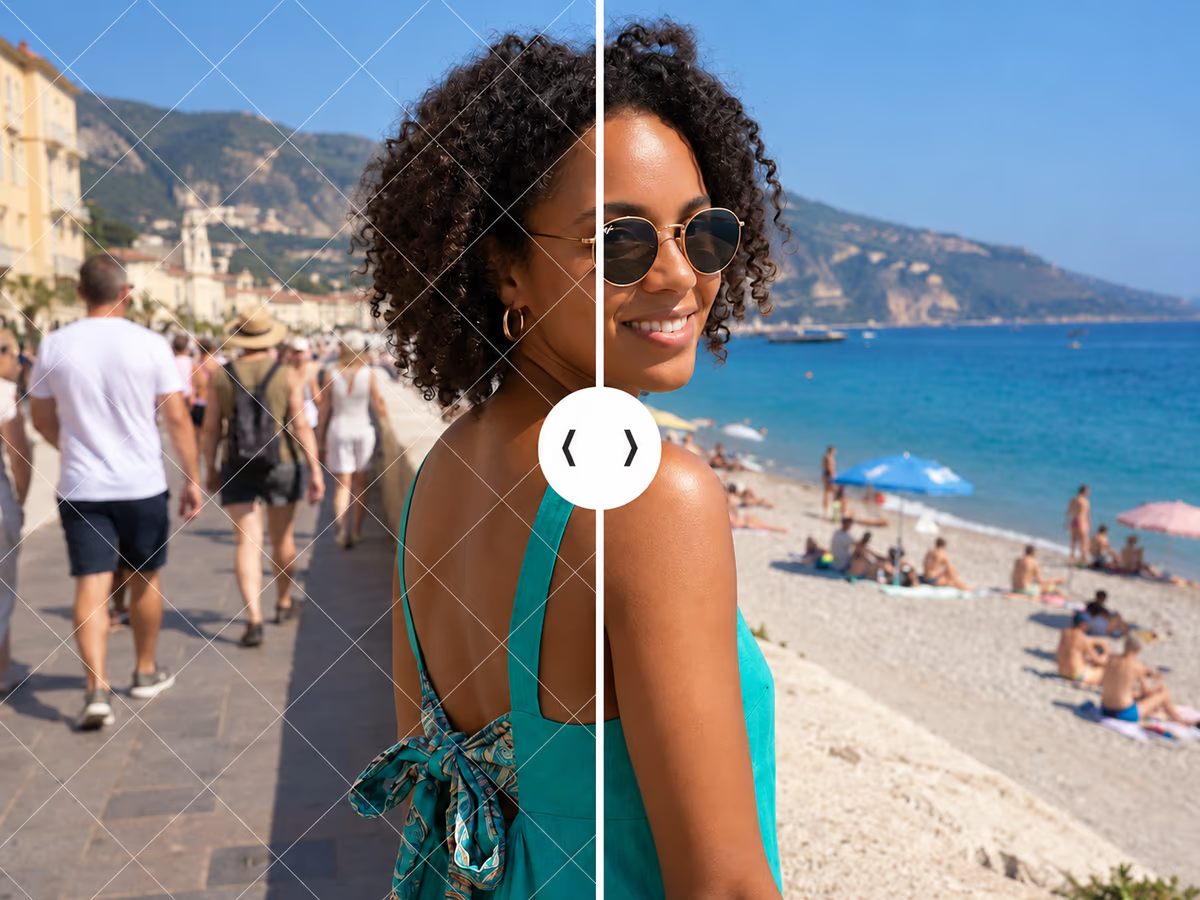
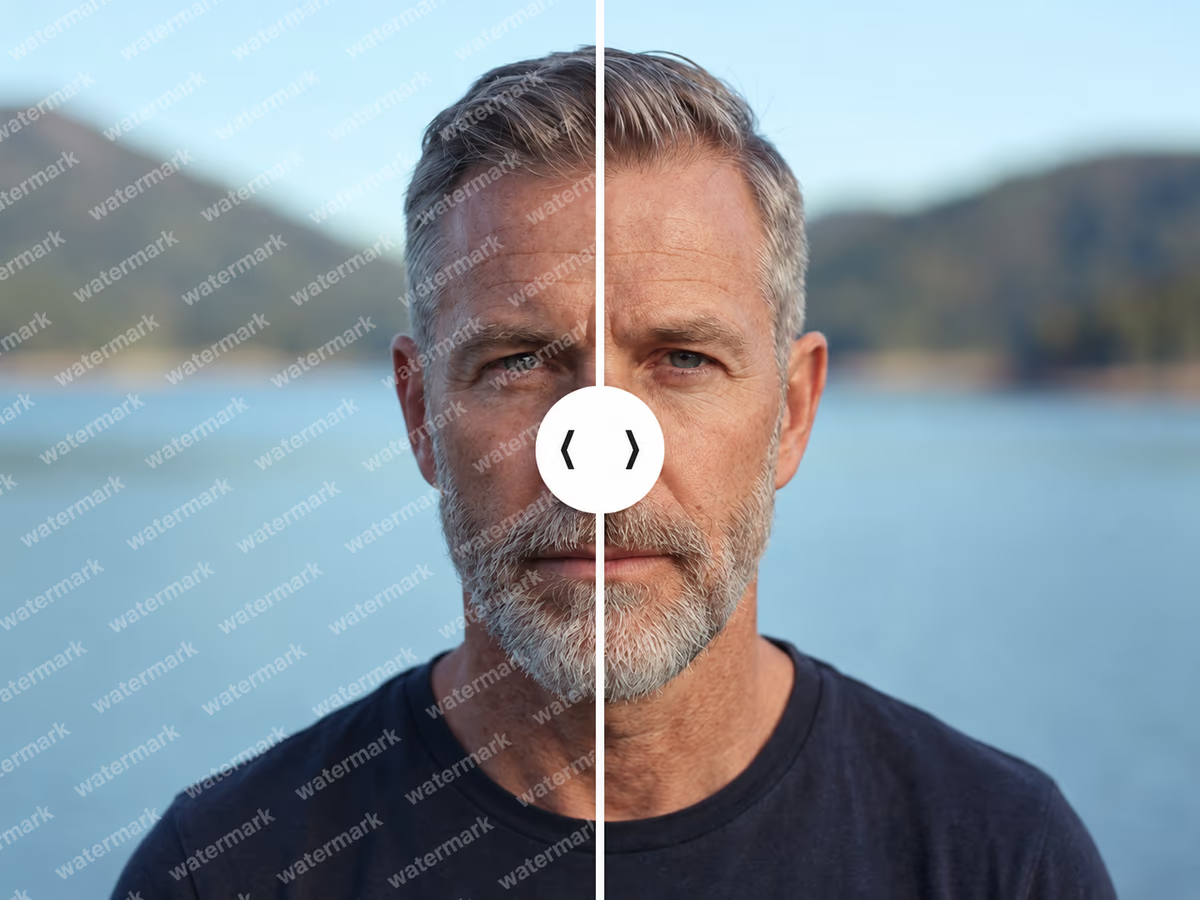
Detection and reconstruction of faint overlays depend on their visibility and the image detail they cover. Review the affected areas before using the result.
Cameras and mobile apps add timestamps or date stamps in a corner. The tool clears the text and rebuilds nearby sky, ground, wall, or background.
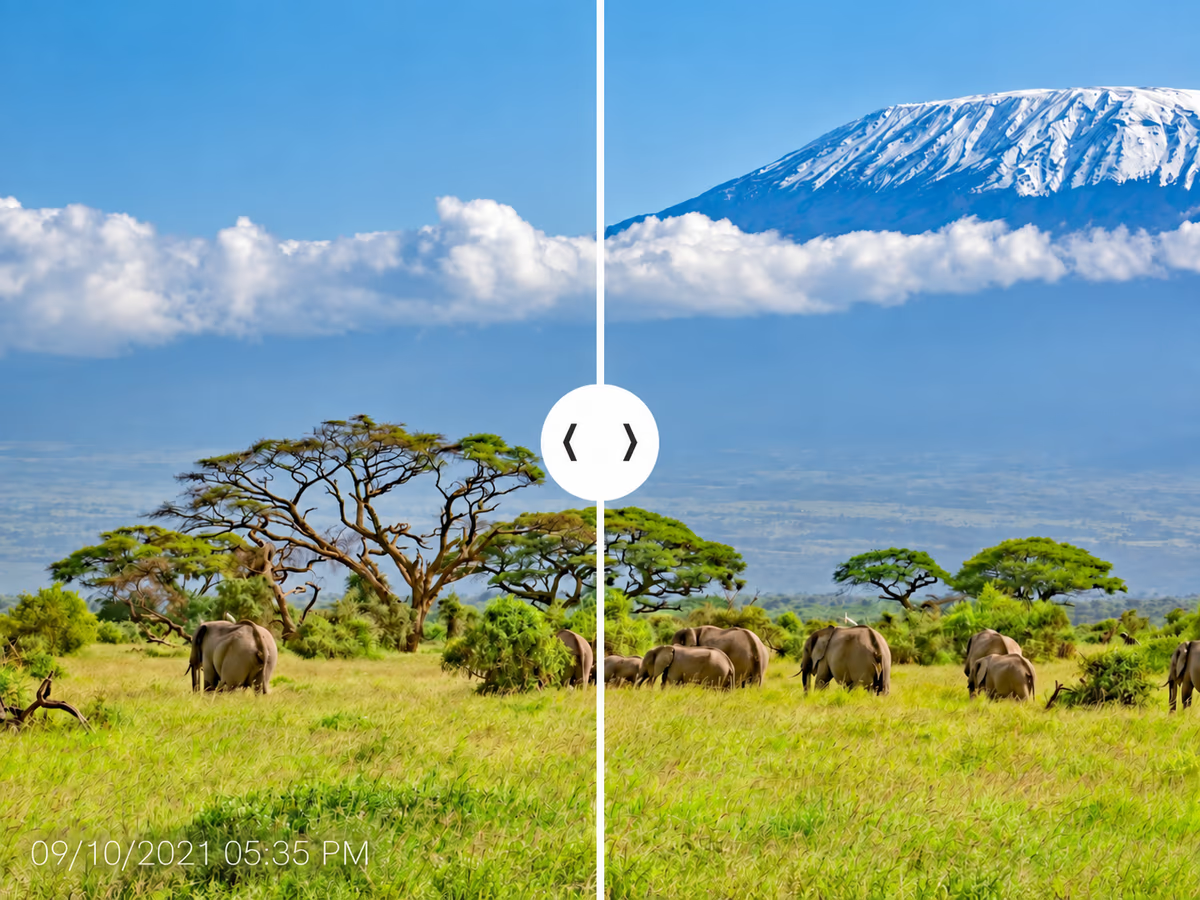
Upload one image, confirm your editing rights, and review the automatic reconstruction before saving.
Add one PNG, JPG, JPEG, or WebP image that you own, license, or have permission to edit.
Confirm your rights and let the model detect and reconstruct visible watermark areas automatically.
Inspect the result in context, then download the image if the rebuilt detail suits your intended use.
The model uses surrounding colors, textures, and patterns to rebuild detected areas in photos you own or have permission to edit.

Increase low-resolution videos to HD, 2K, or 4K while improving visible detail and reducing scaling softness.
Improve overall video quality, bringing out clearer details, better colors, and smoother visuals in every frame.

Fix blur from motion or focus issues, turning blurry clips into sharp and watchable footage.
Learn how automatic reconstruction works, which images are a better fit, and what can affect the result.