Superior Visual Quality
Skip the blur. Our tool restores lost details and tightens edges, giving your videos crisp, natural clarity that looks like shot on pro gear.
Turn grainy videos into polished 4K masterpieces. Whether it’s e-commerce ads, gameplay, or AI-generated clips (e.g., Seedance), our tool restores detail and clarity in seconds.
Drag / Paste / Click
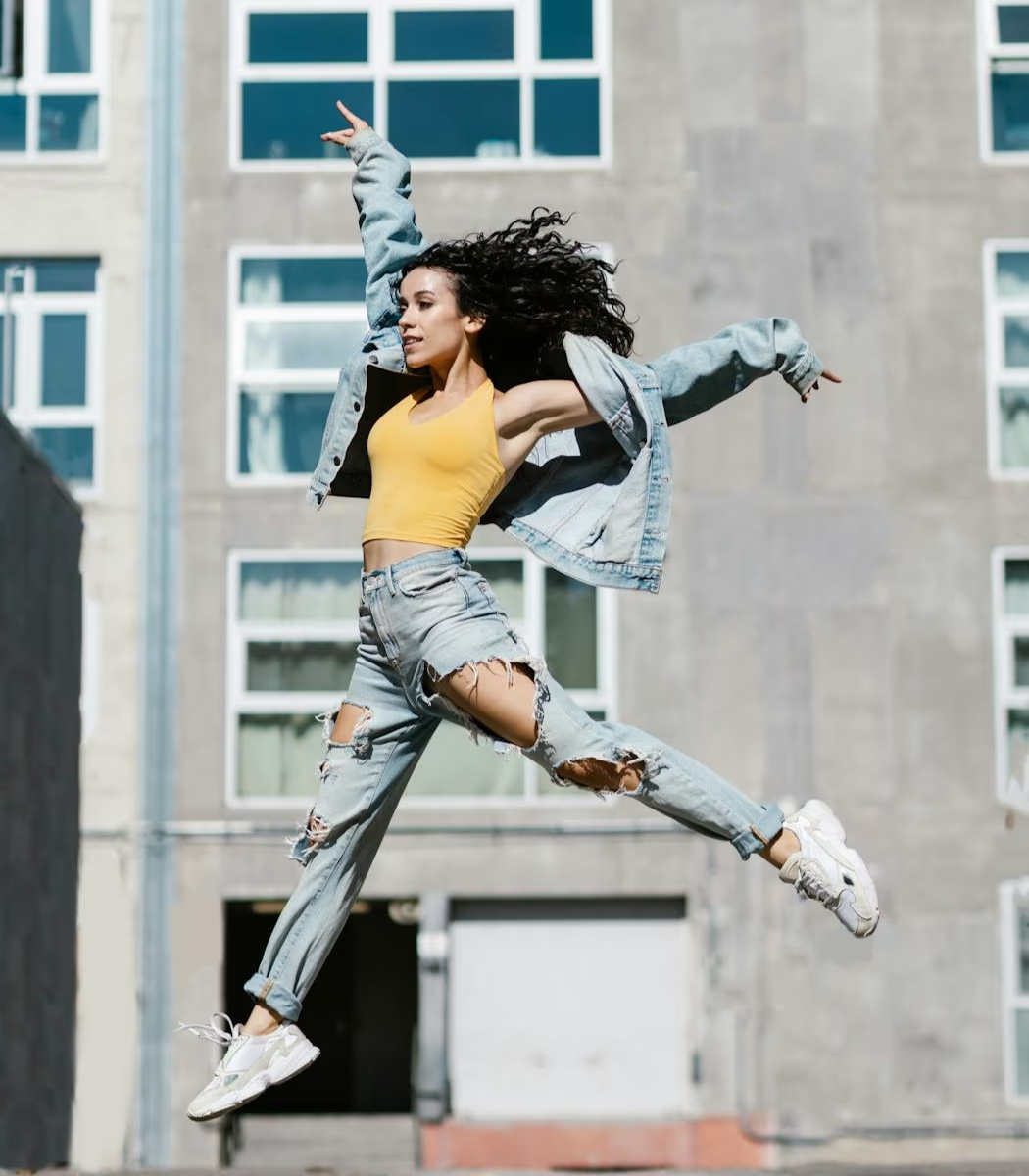
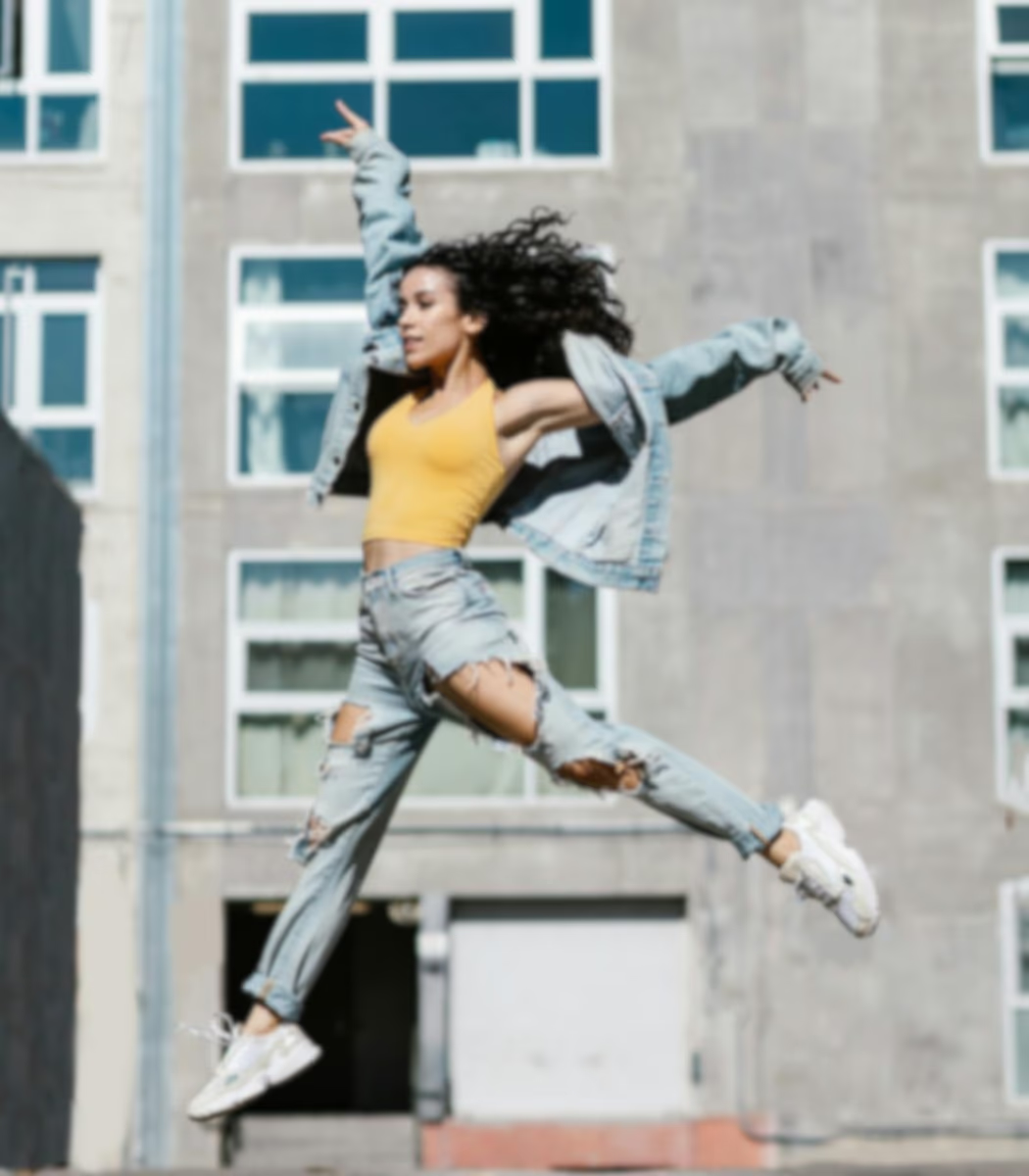

Upload any footage that suffers from blur, noise, or poor lighting in standard formats like MP4 or MOV to begin professional transformation.
Select the output settings that fit your video and viewing needs. The tool then refines textures, details, and light levels while preparing the enhanced result.
Review the refined results in real-time and export your high-fidelity file immediately once the final restoration perfectly meets your specific needs.
Move the slider to compare the original video with the enhanced result.
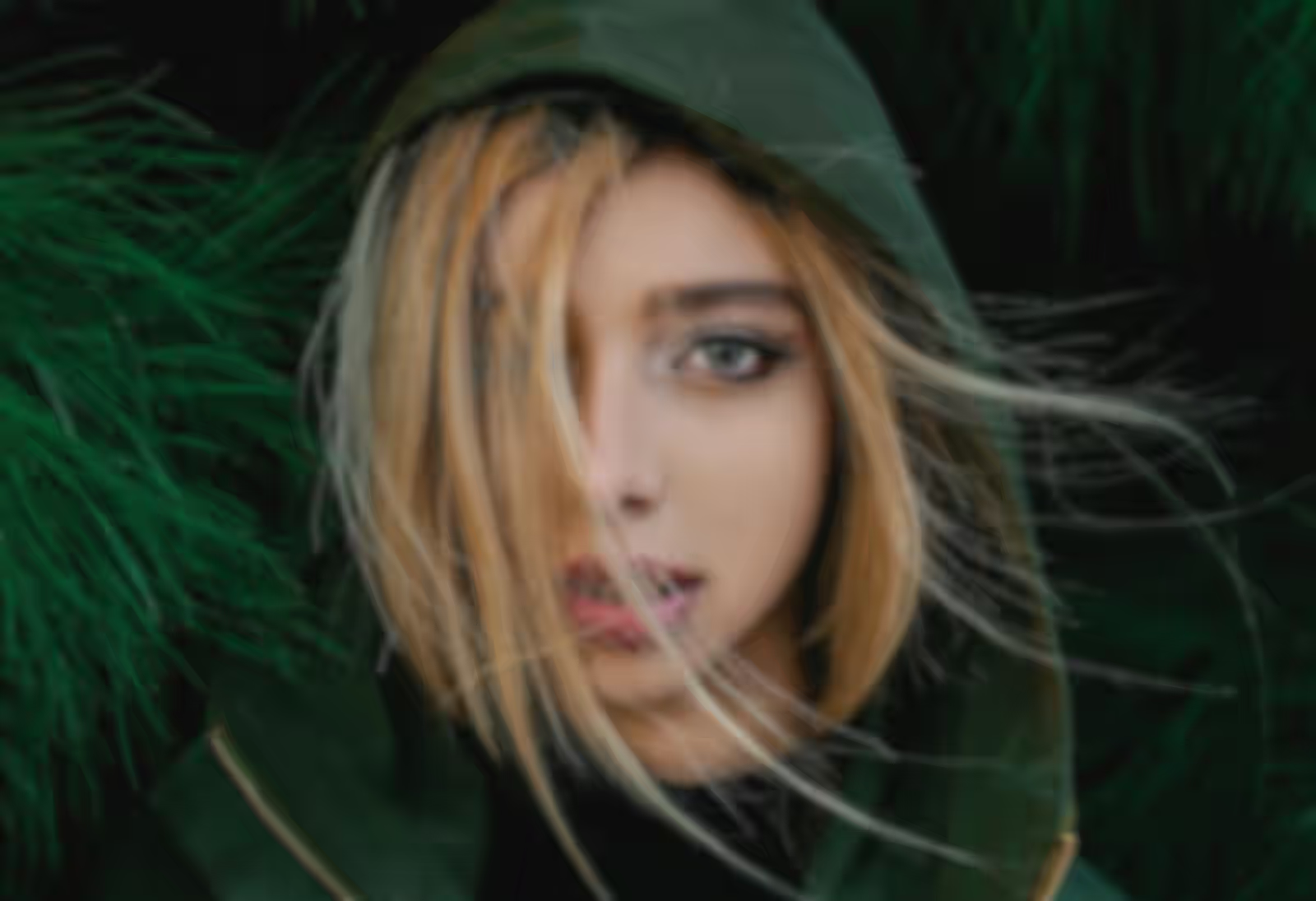
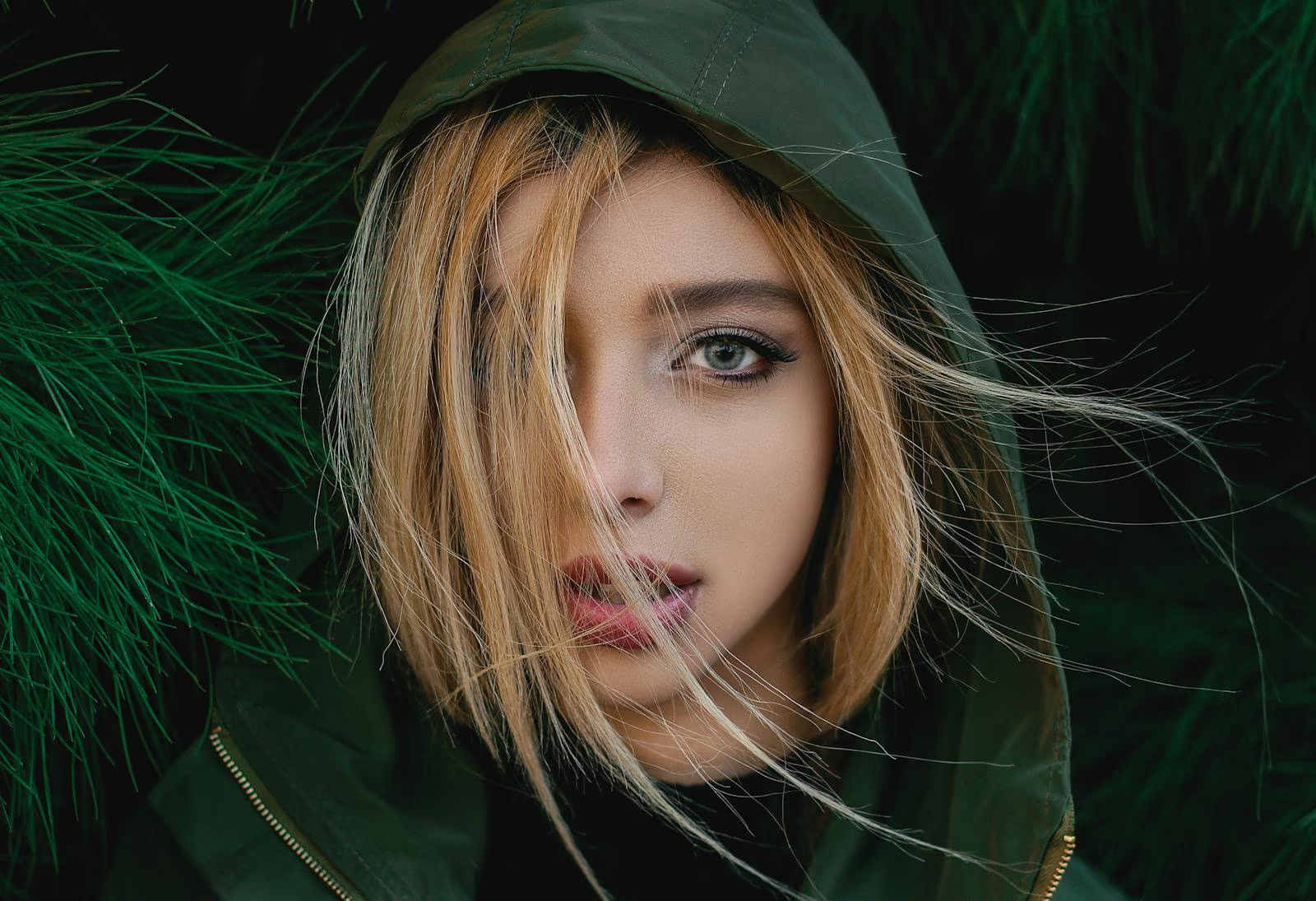




True enhancement isn't about applying a single filter. Our tool understands the unique needs of each video, from low-light noise to soft focus, and restores natural brilliance in 4K.
Experience a comprehensive approach to visual restoration. Our system intelligently analyzes your footage to combine 4K video upscaling and video sharpening. Whether you need to brighten dark videos, fix blurry footage, or reduce video grain, our adaptive models optimize every pixel based on the actual condition of your content to deliver a polished, high-bitrate result.
Our model adapts to the specific demands of your project, regardless of the subject matter. From restoring natural skin tones and textures in portrait videos to enhancing the crisp lines and vibrant colors of e-commerce product ads, we apply tailored logic to every scene. It is the ideal solution for polishing YouTube clips, TikTok videos, Instagram Reels, or professional cinematography, ensuring each scenario receives the exact level of refinement it requires.
We focus on preserving the integrity of the original scene rather than chasing synthetic sharpness. By avoiding the over-processed 'AI look,' our video enhancer keeps textures and light transitions true to life. Your footage stays free from artifacts and unnatural distortions, with each frame remaining a high-fidelity version of itself, delivering results that feel natively recorded.
A straightforward way to bring video quality back across your footage, handling common issues like softness, dark areas, and weak details so everything looks right again


Skip the blur. Our tool restores lost details and tightens edges, giving your videos crisp, natural clarity that looks like shot on pro gear.
Stop waiting for hours. Our cloud servers do the heavy lifting in minutes, so you can upscale HD footage without slowing your computer.
We prioritize your security with zero-retention processing. Your files are encrypted during upload, never used for model training.
No software downloads or complex installations required. Access video enhancement instantly with a simple one-click workflow.
Everything you need to know about AI video enhancement. Can't find the answer you're looking for? Reach out to our support team anytime for help.