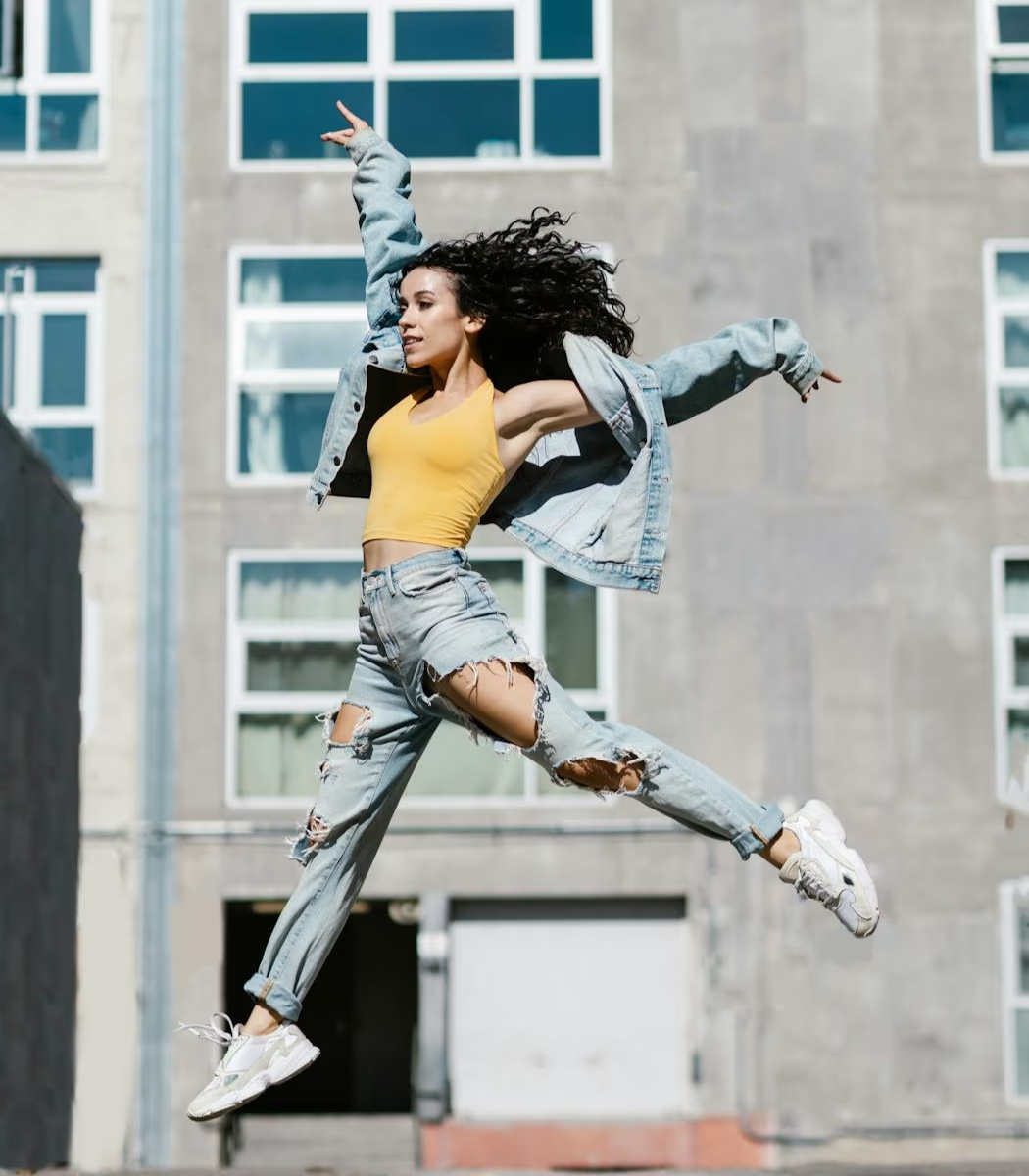
Motion Blur
Fast movement can smear faces, hands, cars, or products across the frame, especially in sports, travel, or handheld action shots.
Have a video that captured the right moment, but the shot looks shaky, smeared, or slightly out of focus? Preview a sharper version online before you decide whether to export the full result.
Drag / Paste / Click


Not all blur looks the same. Some shots smear during movement, some miss focus, and some lose crispness after compression or resizing.
Fast movement can smear faces, hands, cars, or products across the frame, especially in sports, travel, or handheld action shots.

Small camera movements can make edges wobble and faces look fuzzy, even when the moment itself was recorded clearly enough.

When focus lands behind or in front of the subject, text, faces, and textures can lose definition across the shot.
Reduce the parts of a video that look smeared, fuzzy, or hard to read, without making it artificial.
Use the video blur remover to reduce motion blur from video where movement, walking, or camera shake left the frame smeared.
Bring back what viewers actually notice: faces, product lines, small text, edges, and textures that looked slightly out of focus.
Turn a fuzzy recording into something you can reuse for a post, product demo, tutorial, or saved memory.
From upload to final download in three easy steps.
Upload your blurry or shaky video format to get started.
Check a free, instant frame preview to see the sharpness before processing.
Process the entire file and download the final video in high fidelity.
From creator clips to marketing assets and production references, make blurry footage sharper before it moves into your next workflow.

For creators polishing TikToks, Reels, Shorts, vlogs, and handheld clips before they go live.


Built for everyday creators

For product demos, campaign videos, ads, and social assets where soft visuals can hurt trust.

For editors, animation teams, and post-production workflows that need cleaner references or sharper source footage.
Explore related repair workflows for blur, grain, pixelation, and low-light footage.
Quick answers to common questions about using our video tools.
See your shaky or fuzzy recording become sharper in a few clicks.