Easy to use
No complicated workflow. Just upload your video, apply brightening, and get a clearer, professional result instantly with no experience required.
No matter if your video looks dim, dull, or blown out, our AI brightening tool fixes it in seconds—no downloads and installation needed. Instead of exposure adjustments that fade colors, lose detail, or add noise, our model analyzes every pixel to rebalance light precisely. The result is a cleaner, brighter video that still feels natural, with details intact.
Drag / Paste / Click
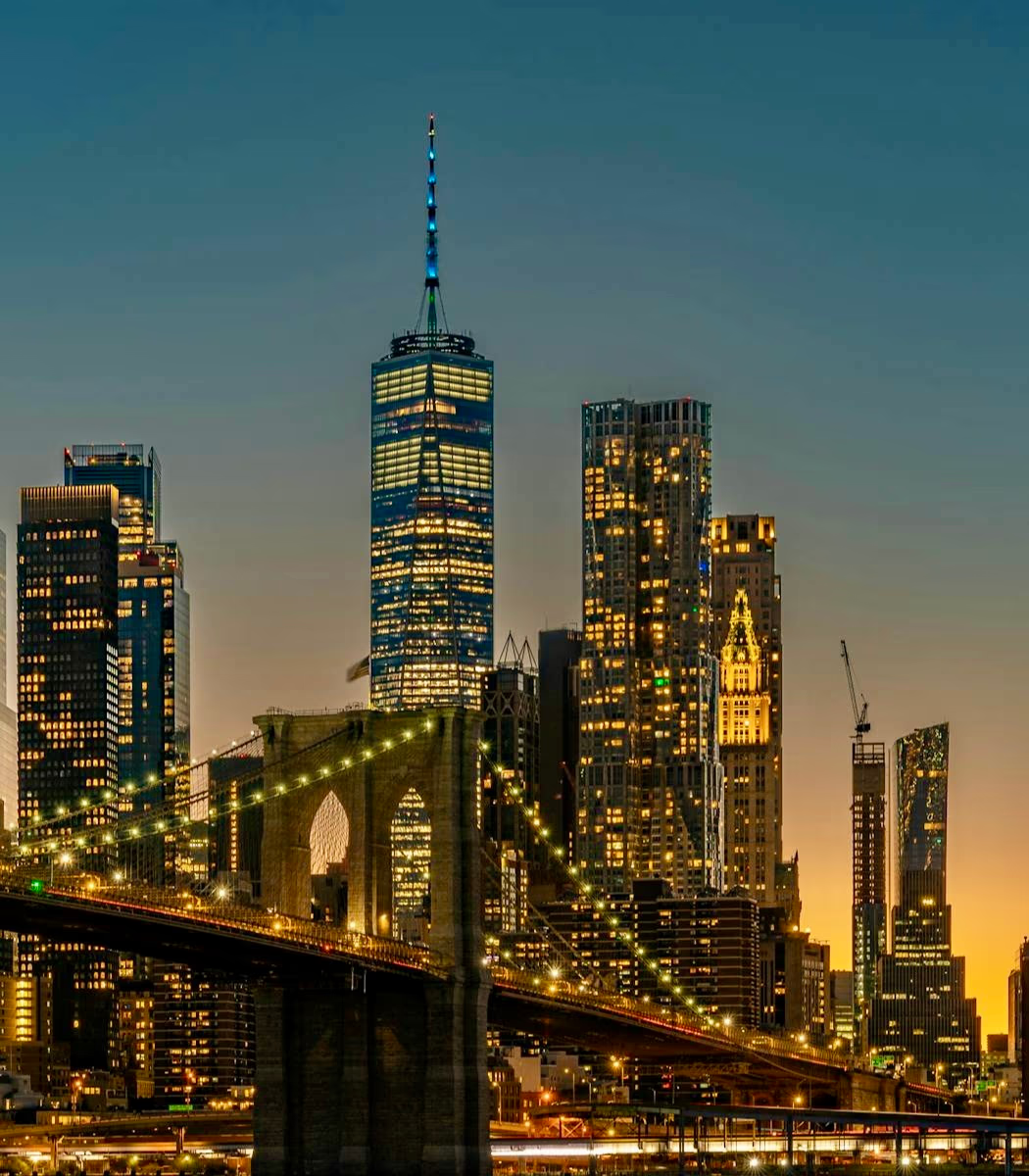
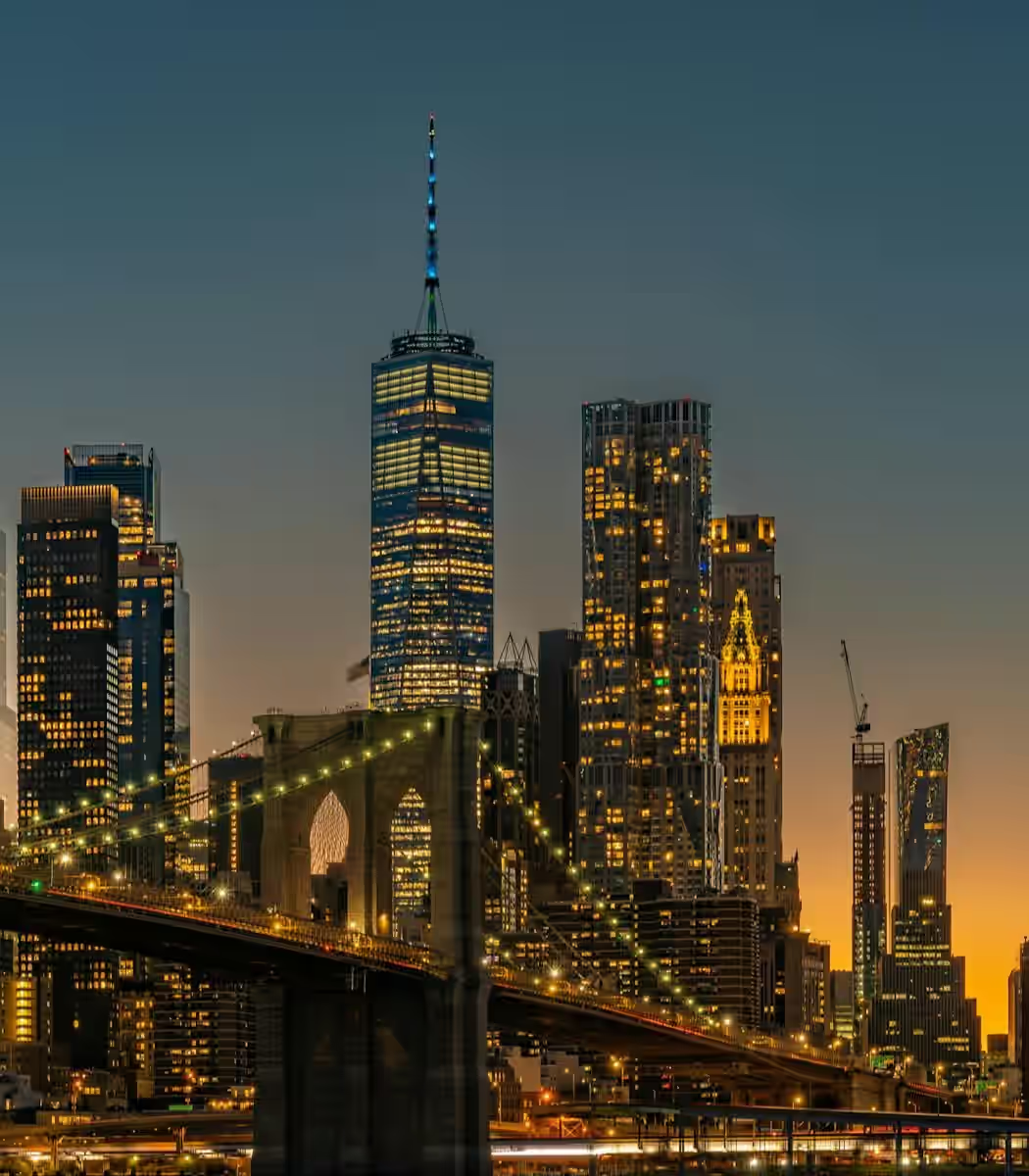
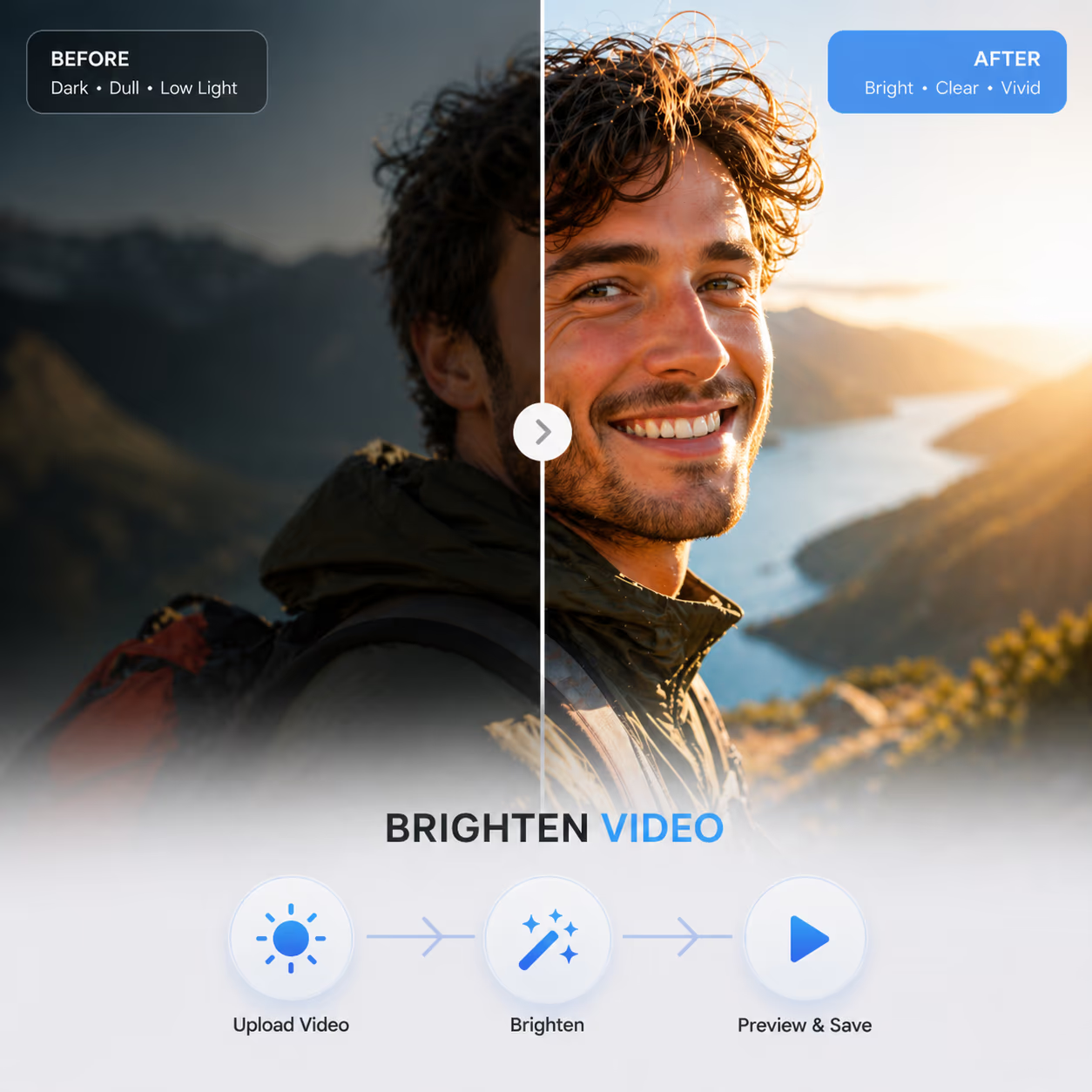
Drag and drop your files into the dashboard. We handle everything from everyday MP4s to high-end professional exports.
Select the output settings that suit your video before processing. Our tool then brightens underexposed footage, lifts shadows, and reduces low-light grain for a clearer, more natural-looking result.
Preview your polished, brilliantly lit video and download it on the spot. High-fidelity visuals, perfectly balanced and ready for any screen.
Fix underexposed footage and keep the authentic depth of the original shot. Our tools optimize exposure to show the natural colors of your video.
Reveal the fine textures buried in dark areas with high accuracy. Our tools focus on improving the dim parts of your footage to brighten dark videos by maintaining a natural contrast across the entire frame. This approach prevents the washed-out appearance that often compromises visual quality.
Bring back the original warmth of your footage. We fix muted or pale colors caused by poor lighting. Your content looks naturally lively instead of having an over-processed, neon-like appearance.
Our processing workflow protects already bright areas while illuminating the darkness. By applying specific exposure changes to certain zones, we keep highlights crisp and textures intact to ensure a stable, professional result.
For clips that feel too dark to use, this evens things out and brings back visibility, without pushing brightness too far or losing the original feel you had in mind when shooting.
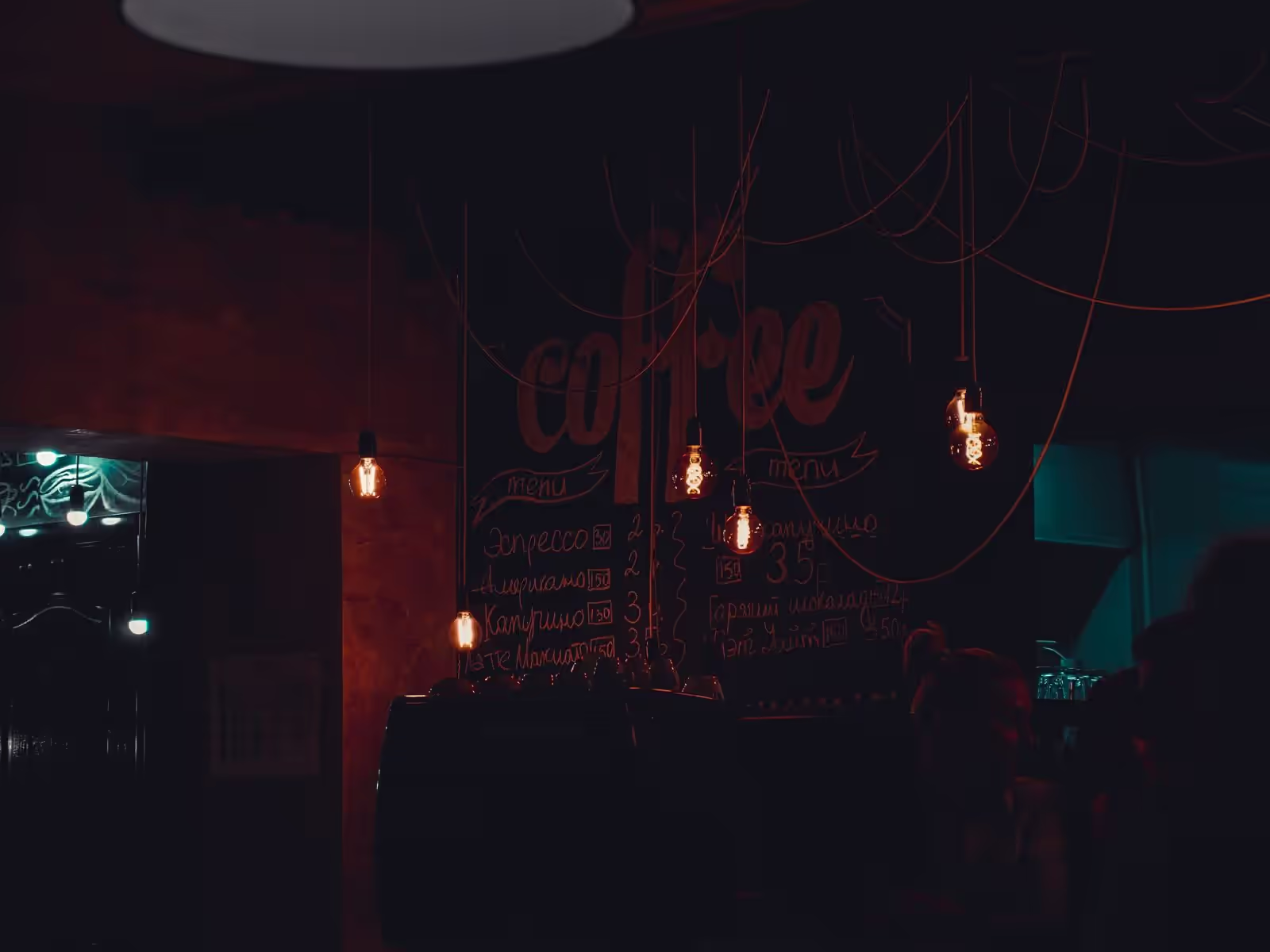

No complicated workflow. Just upload your video, apply brightening, and get a clearer, professional result instantly with no experience required.
We continuously track user needs and technology development, improving our models to better meet demands and deliver higher-quality results.
Brighten footage directly in your web browser with no installations required, and edit videos on any device at any time with professional results.
Our tool lifts shadows and restores hidden details in low-light footage, bringing out textures without overexposure.
Everything you need to know about AI video brightening. Can't find the answer you're looking for? Reach out to our support team anytime for help.