Overall Quality Balance
Coordinate color, contrast, and detail so one correction does not make another part of the image look unnatural.
Give flat, compressed, or inconsistent photos a more polished finish. Our image enhancer coordinates detail cleanup, tonal balance, and natural color so the whole image feels clearer without looking heavily processed.
Drop an image here
Frontend demo only: no API call or file upload leaves your browser.
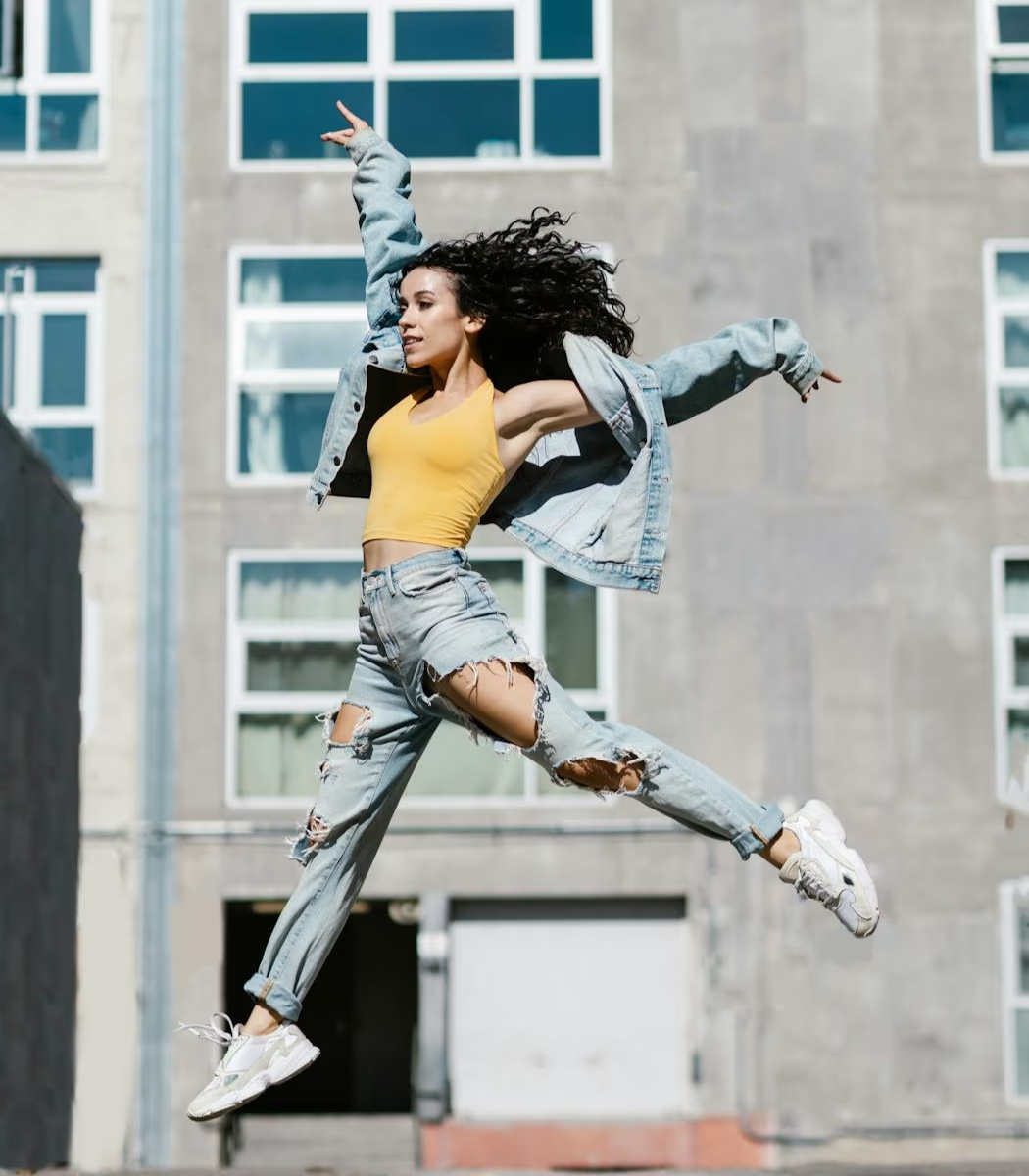
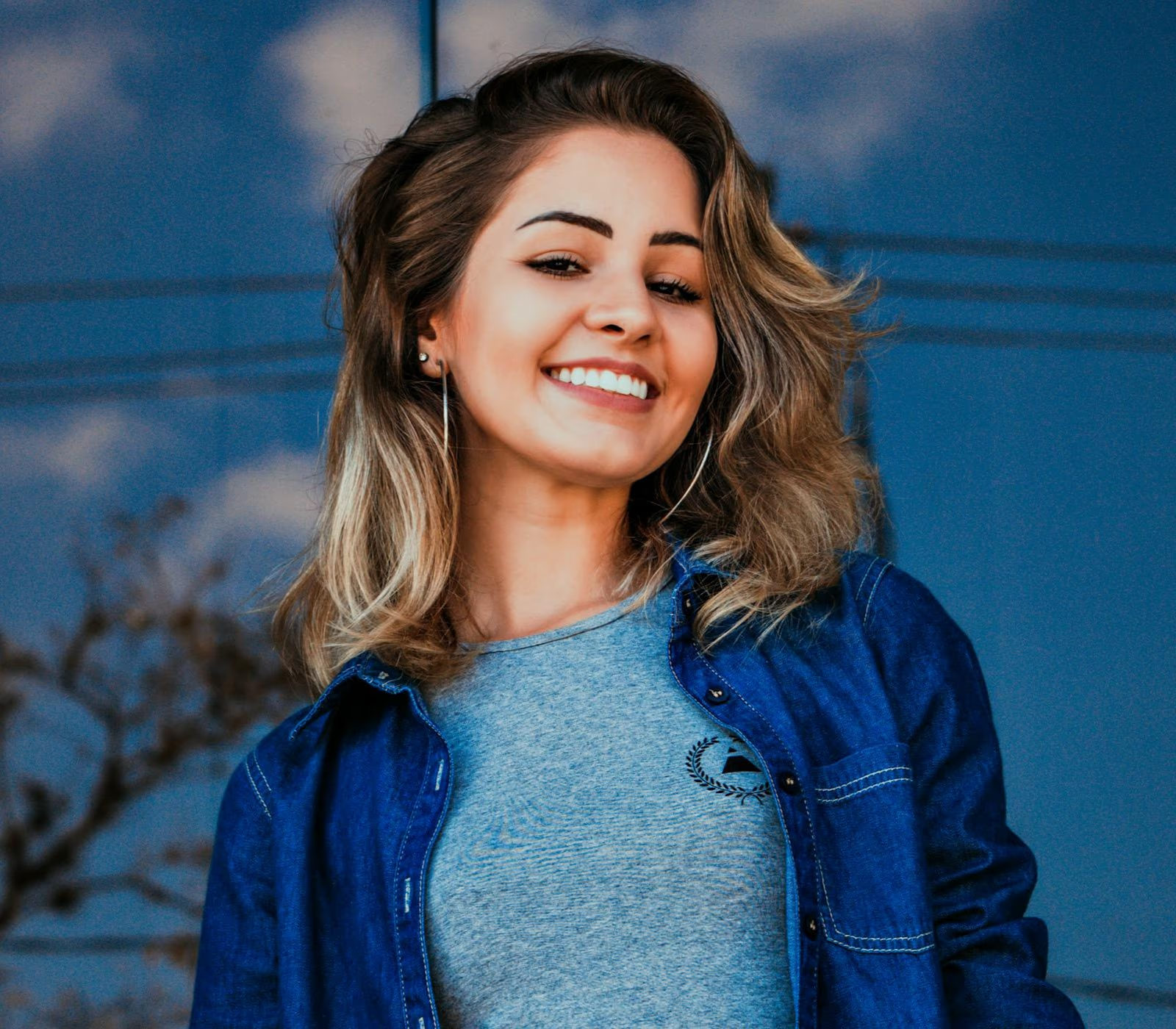
Start with a JPG, PNG, or WebP photo that looks flat, noisy, compressed, or generally unfinished.
The enhancement workflow coordinates detail, tone, contrast, and color instead of applying one heavy filter.
Compare original and enhanced views, then save the version you prefer.
See how balanced enhancement cleans up detail, tone, and color across many kinds of photos.
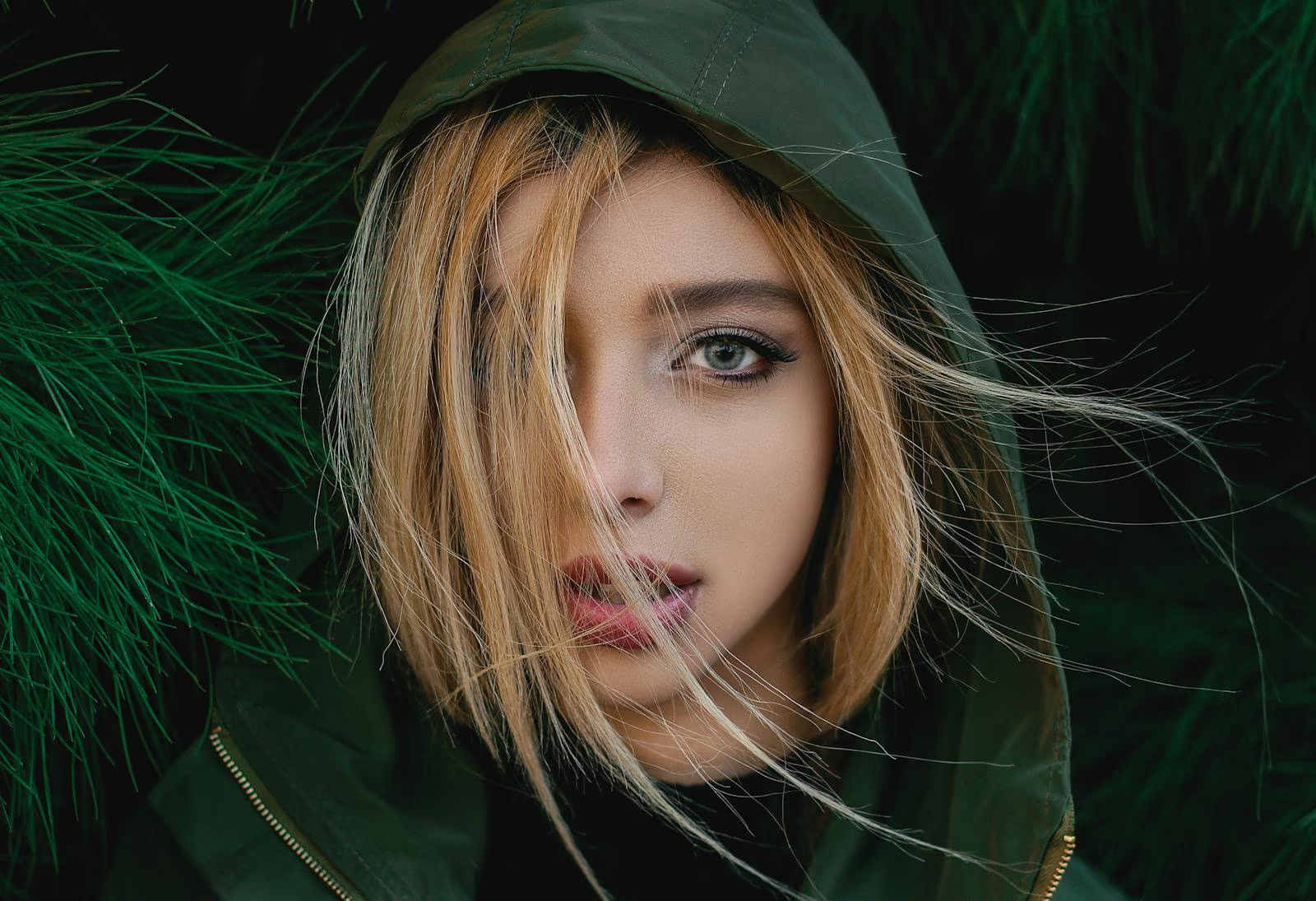


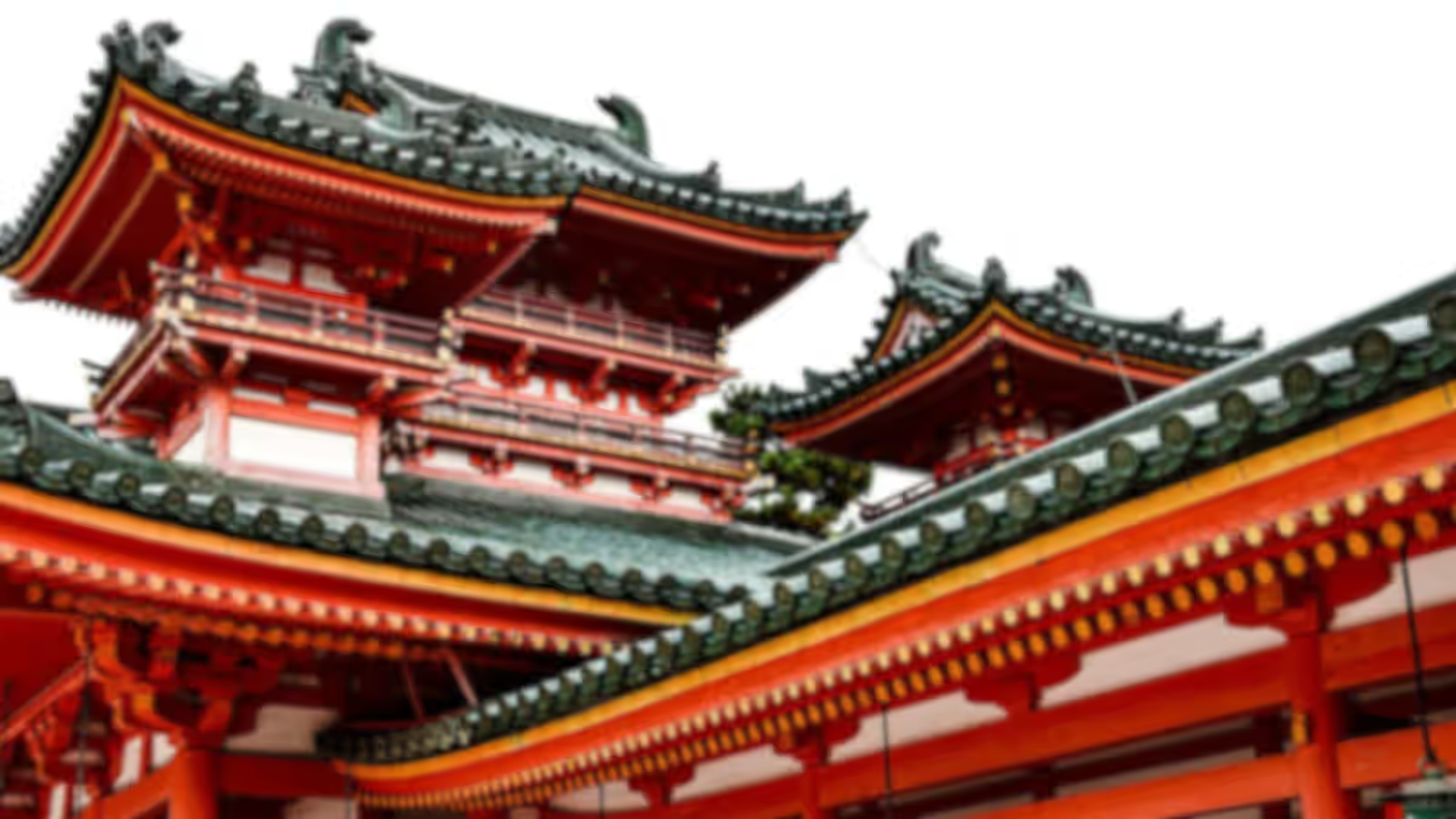
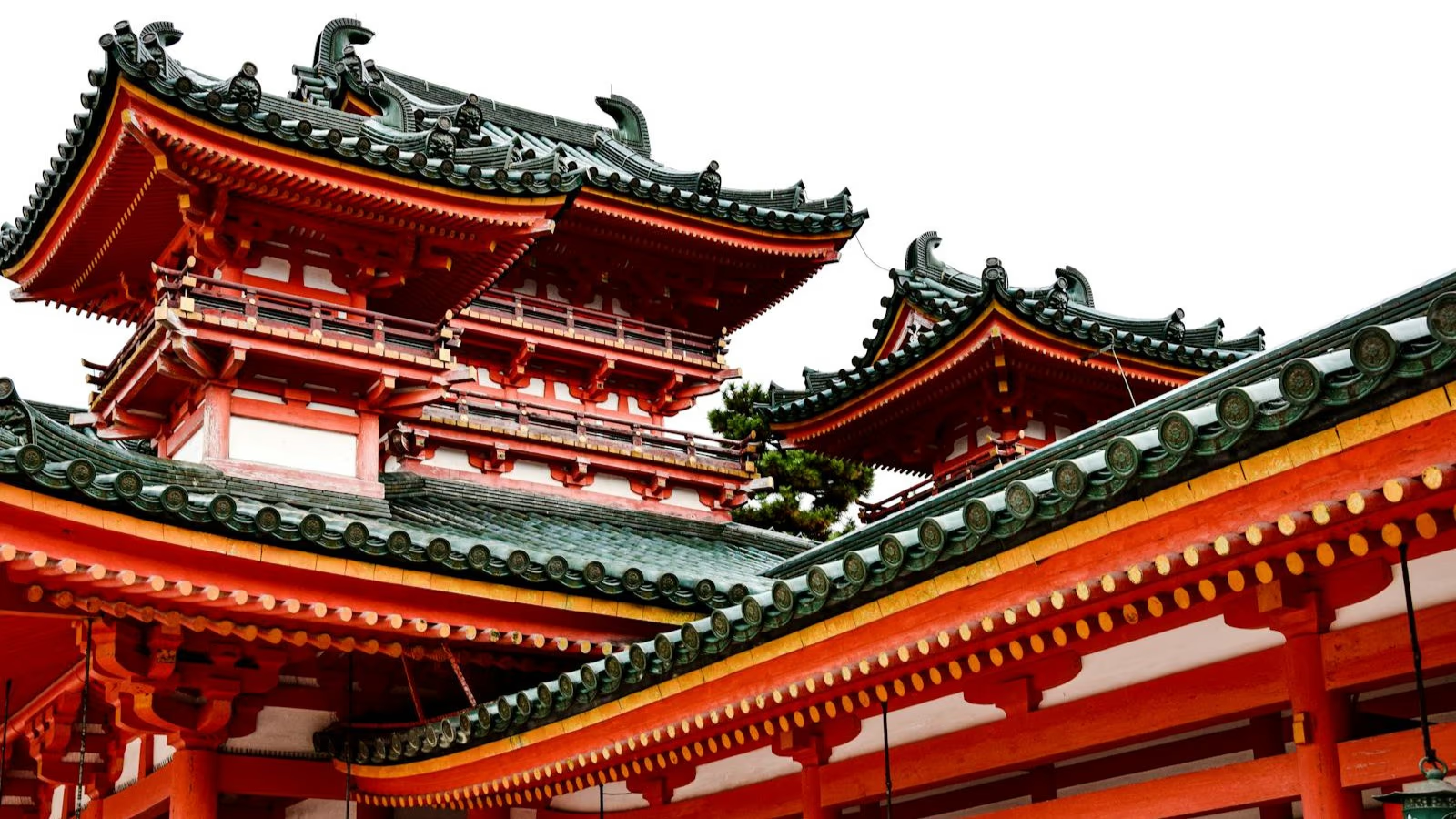
Improve an unfinished photo while preserving its recognizable subject, mood, and texture.
The tool adjusts weak contrast, muted color, and uneven tonal separation together. Flat portraits, product shots, and everyday photos gain clearer visual structure without being pushed into an artificial high-saturation look.
Light noise, compression roughness, and muddy fine detail can make an otherwise useful image feel unfinished. The enhancement pass cleans those distractions while preserving skin, fabric, foliage, and other textures that should still look natural.
Bring portraits, listings, presentations, and social posts to a more consistent finish in one workflow. If your main goal is larger dimensions or repairing capture blur, use the dedicated Image Upscaler or Unblur Image tool instead.
Use the image enhancer when several small issues make a photo feel unfinished.


Coordinate color, contrast, and detail so one correction does not make another part of the image look unnatural.
Keep skin, products, and familiar scenes believable while refreshing dull color.
Reduce roughness without flattening the small textures that give a photograph depth.
Move from upload to comparison in one focused workspace without learning a full desktop photo editor.
Learn what overall enhancement improves, when another tool fits better, and what the source allows.