Image Background Remover Online
Keep your subject and remove the scene. Choose a transparent cutout, solid background, or grayscale mask for your next design.
Drop your image here or choose a file
Your source image is used only for processing. The selected result is saved privately until you delete it.


From Photo to Ready-to-Use Image
Choose an image, configure the output, review the automatic separation, and download the result.
01Sign In and Upload
Sign in, then choose one PNG, JPG, or WebP image up to 10 MB and 36 megapixels.
02Review the Cutout
Pick an output and review the cutout.
03Download Your Result
Download the chosen PNG, WebP, or JPEG result for product listings, profiles, presentations, and social posts.
Turn One Photo Into a Flexible Cutout
Make product listings, branded visuals, and bold new designs stand out with clean, versatile cutouts.
Remove Backgrounds From Your Image in Seconds
Skip tedious tracing and manual erasing. Upload a PNG, JPG, or WebP, and let the tool isolate your subject into a clean, transparent cutout for your next design, product listing, or social post.
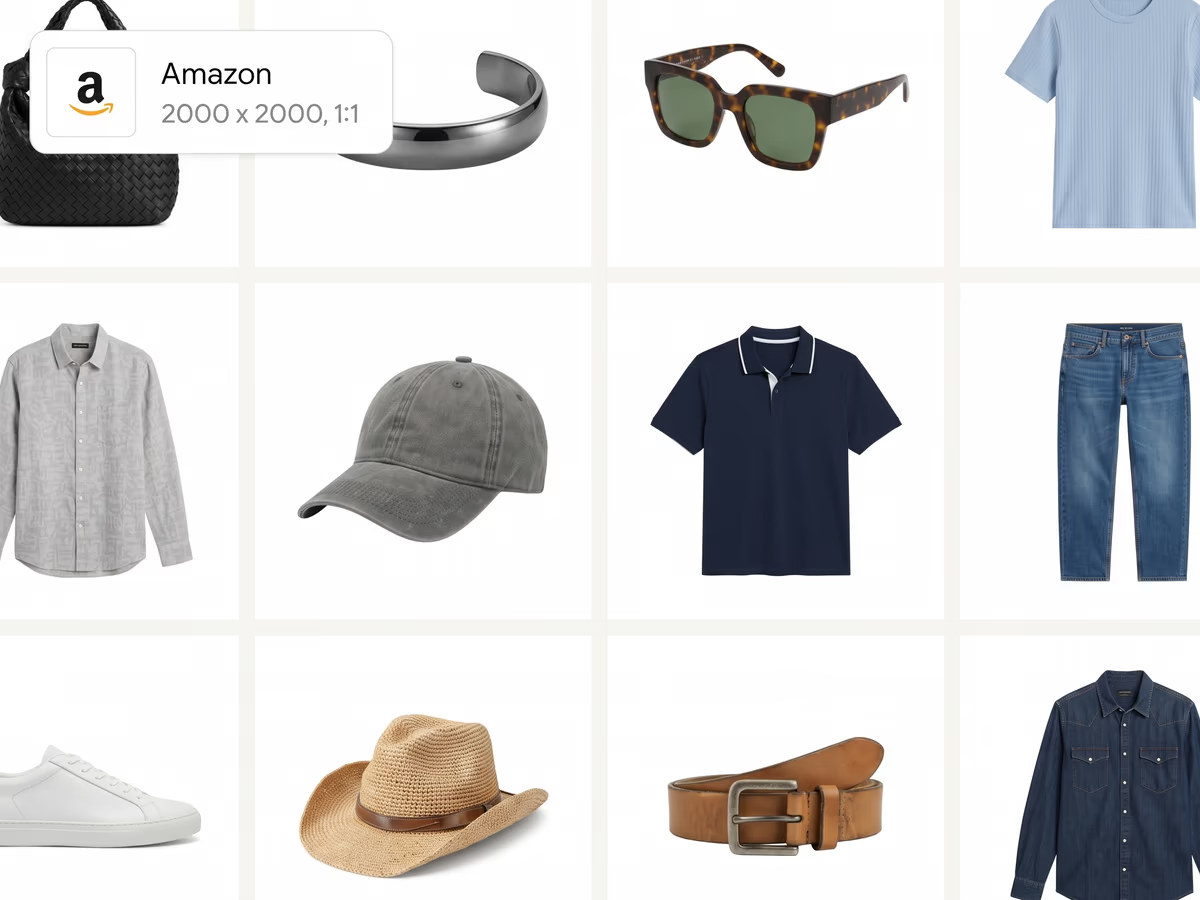
Create Polished Cutouts for Detailed Product Photos
Separate finer contours around hair, fur, and other details for new layouts. Transparent materials and overlapping objects may need further editing before you use the cutout.
Add a Background Color That Matches Your Brand
Start with a transparent PNG, switch to crisp white, or pick the exact solid color your layout needs. You can also export a grayscale mask for more control in your editing workflow.
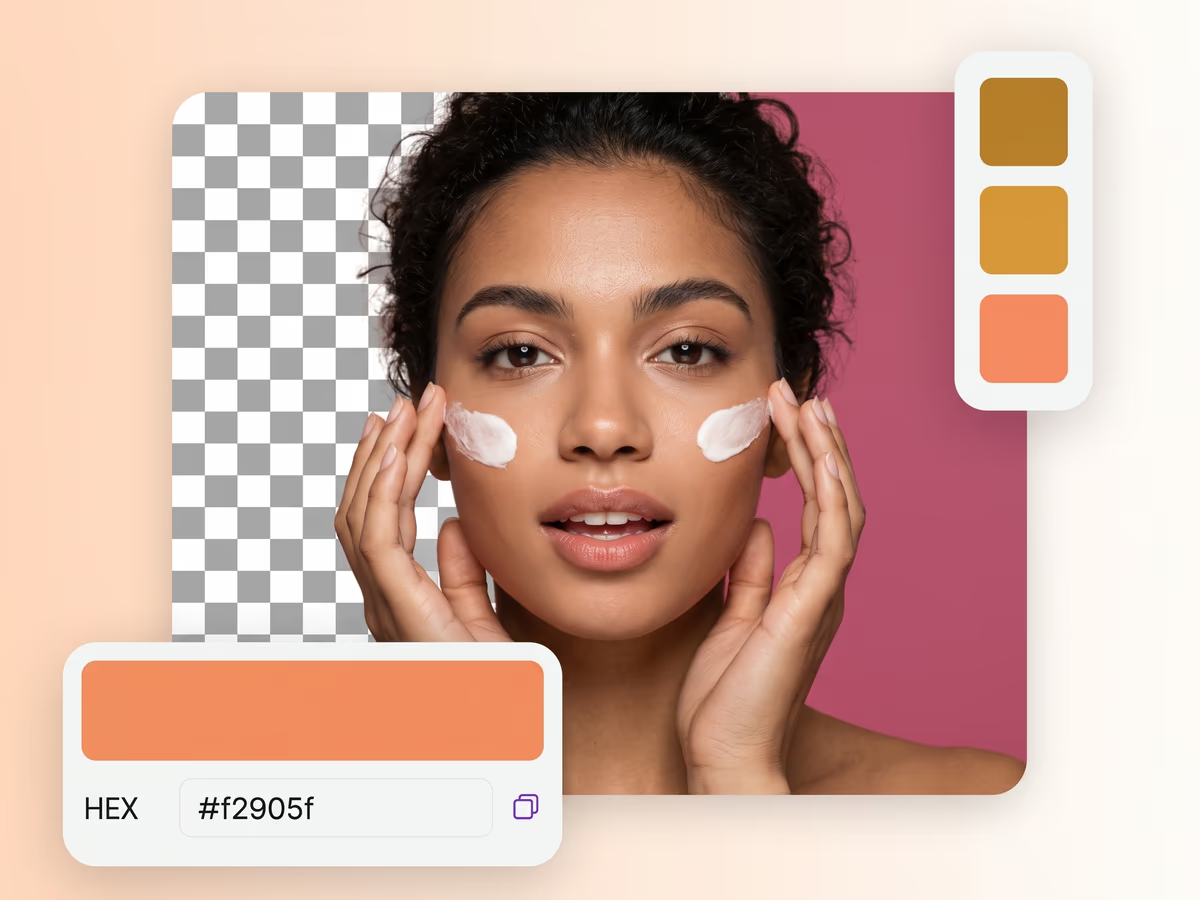
Image Background Removal Questions
Check supported files, free-use limits, source-image tips, transparent output, and privacy before you upload.