Video Unblur

Make Your Blurry Videos Crystal Clear in seconds

Remove blur from your videos instantly. Whether it's motion blur, camera shake, or out-of-focus footage, our AI deblurring technology restores clarity and sharpness.

Drag / Paste / Click

MP4, MOV, MKV Up to 60s Max 1080p Up to 60 FPS 30MB max
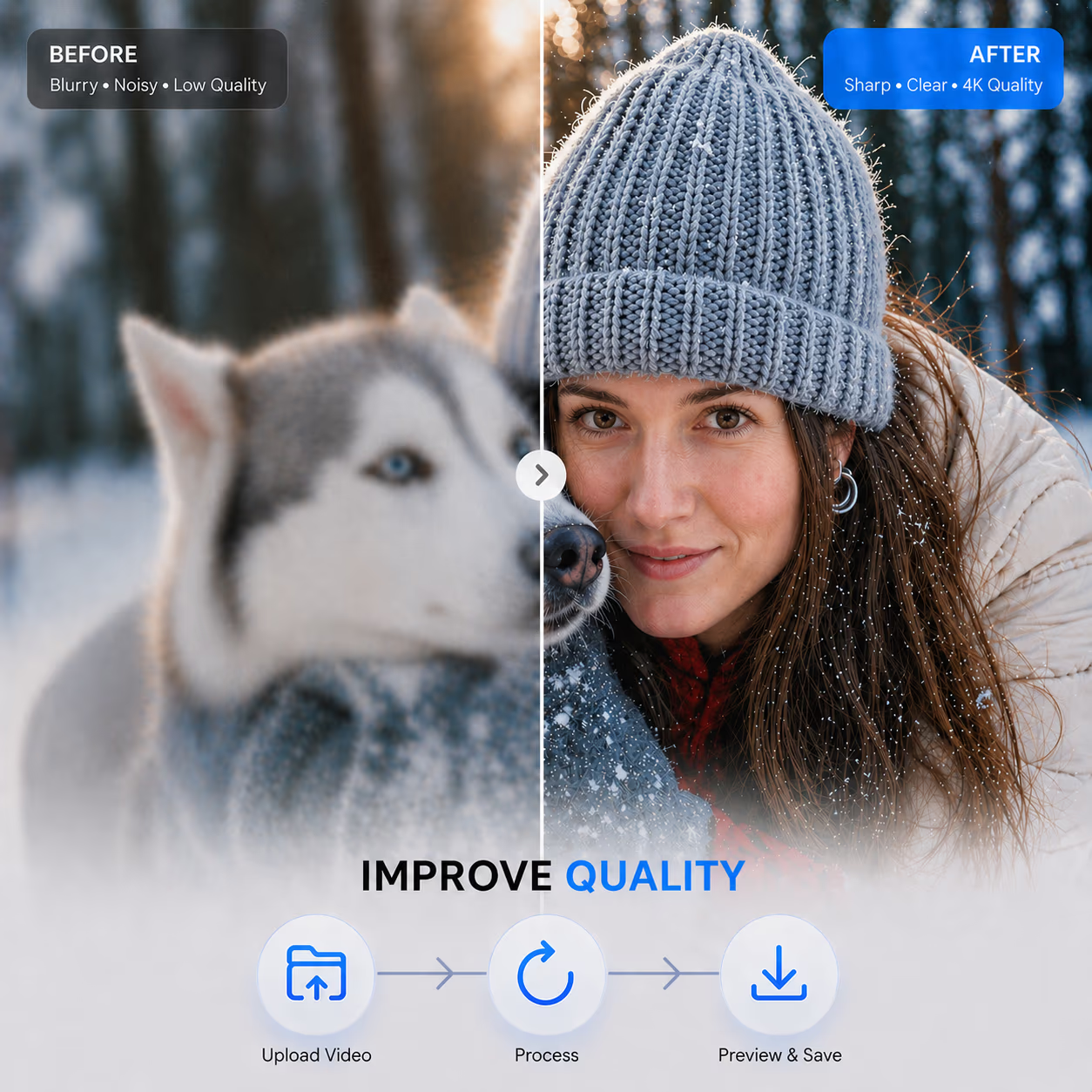
Blurry video frame sharpened with AI video unblurring - after
Blurry video frame sharpened with AI video unblurring - before
AI video unblurring workflow showing import, sharpening settings, and HD export
How It Works

Get started in seconds

01

Import Your Media

Simply drag and drop your footage into our workspace. Whether it’s an MP4, MOV, or AVI, our engine handles all standard formats with ease.

02

Select Your Resolution

Choose how crisp you want your video to be. Pick your target output—1080p, 2K, or even 4K—and let our AI filters handle the heavy lifting to sharpen every detail.

03

Export in High Definition

Watch the magic happen! Once the AI finishes its polish, your high-fidelity video is ready to download. Professional results in just a few clicks.

See How AI Removes the Blur

Blurry video frame before AI video unblurring
Sharper video frame after AI video unblurring
Before
After
🎬 Video Frame
Core Capabilities

Restore Focus. Eliminate Blur

Don't let shaky hands or missed focus ruin your footage. Our tools reconstruct blurry frames to recover the sharp, clear details hidden beneath the haze.

Instant Cloud-Based Restoration

  • One-Click Professional ClaritySimply upload your files and let our system do the work. Our cloud-based processing delivers fast results without requiring expensive hardware, allowing you to unblur video online and get professional-quality deblurring in minutes.
  • Versatile Resolution SupportWhether you need to unblur video HD or restore older low-resolution footage, our tools handle all common types of blur—including stabilization blur and compression artifacts—to rebuild every frame with precision.

Focus Rescue for vital Moments

  • Camera Focus CorrectionRescue essential footage ruined by hasty setups or technical errors. Our video clearer transforms soft, poorly-focused recordings into sharp visuals—ensuring that interviews, conference recordings, and event highlights remain professional and polished.
  • Essential Scene RecoveryWhen you cannot record a scene again, our tools intervene to bring back clarity to your most important shots. We accurately fix the softness caused by a shallow depth of field, making sure your key content remains sharp and usable.

Precision for Action & Motion

  • Dynamic Motion DeblurringCapture exhilarating action without the haze. Our tools target and remove motion blur caused by fast-moving scenes or shaky handheld shots, making it ideal for sports enthusiasts and adventure vloggers.
  • Authentic Detail PreservationTransform shaky, unclear videos into sharp, detailed visuals while maintaining a natural, artifact-free look. We prioritize the cinematic feel of your action-packed moments, ensuring that sharpening never sacrifices the realism of the original scene.
Why Choose Us

Why Our Video Unblur Tool Works

If a clip comes out soft or shaky, you can quickly clean up a blurry video here and keep things moving, without having to rework everything from scratch.


Professional Quality Output

Give your blurry video a second life with high-definition clarity. We sharpen every frame to ensure your footage looks crisp and clean.

Smart Motion Fix

Fix motion blur and focus issues instantly to restore your content. Our tools help recover details from shaky or handheld recordings.

Fast Reliable Processing

Our video unblur tool delivers high-resolution results in minutes, saving you hours of manual editing. Whether you need to fix blurry video for social media or professional use, our platform provides a dependable way to upscale and sharpen media files efficiently.

Seamless Browser Workflow

Use our online video enhancer to process files without downloading bulky software. This cloud-based approach allows you to unblur video online quickly, improving resolution and visual quality while you focus on creating more engaging content for your audience.

FAQ

Frequently Asked Questions

Everything you need to know about AI video deblurring. Can't find the answer you're looking for? Reach out to our support team anytime for help.