Dim Rooms
Indoor lights can leave faces, products, and backgrounds underexposed, especially when the camera tries to protect bright spots.
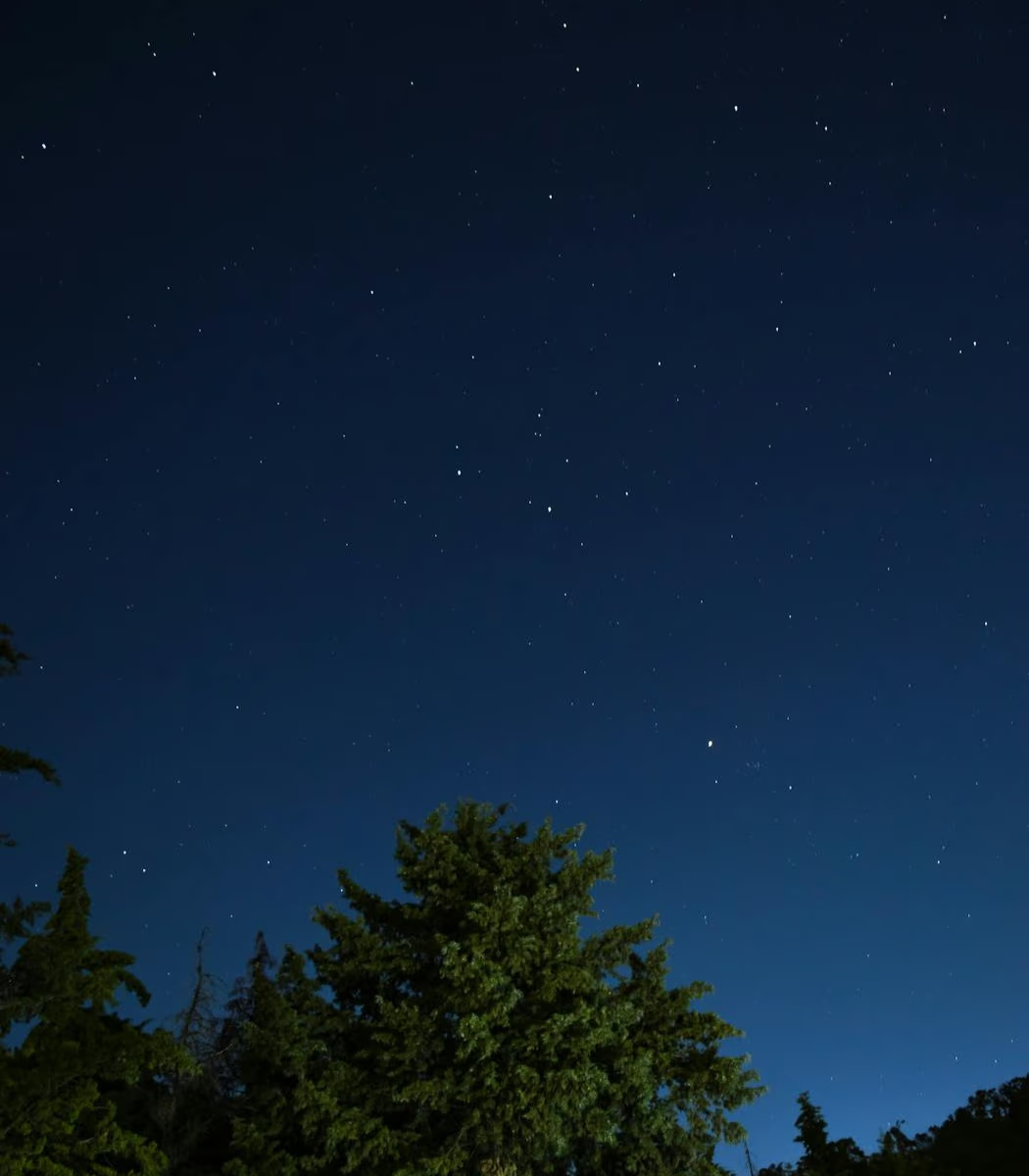
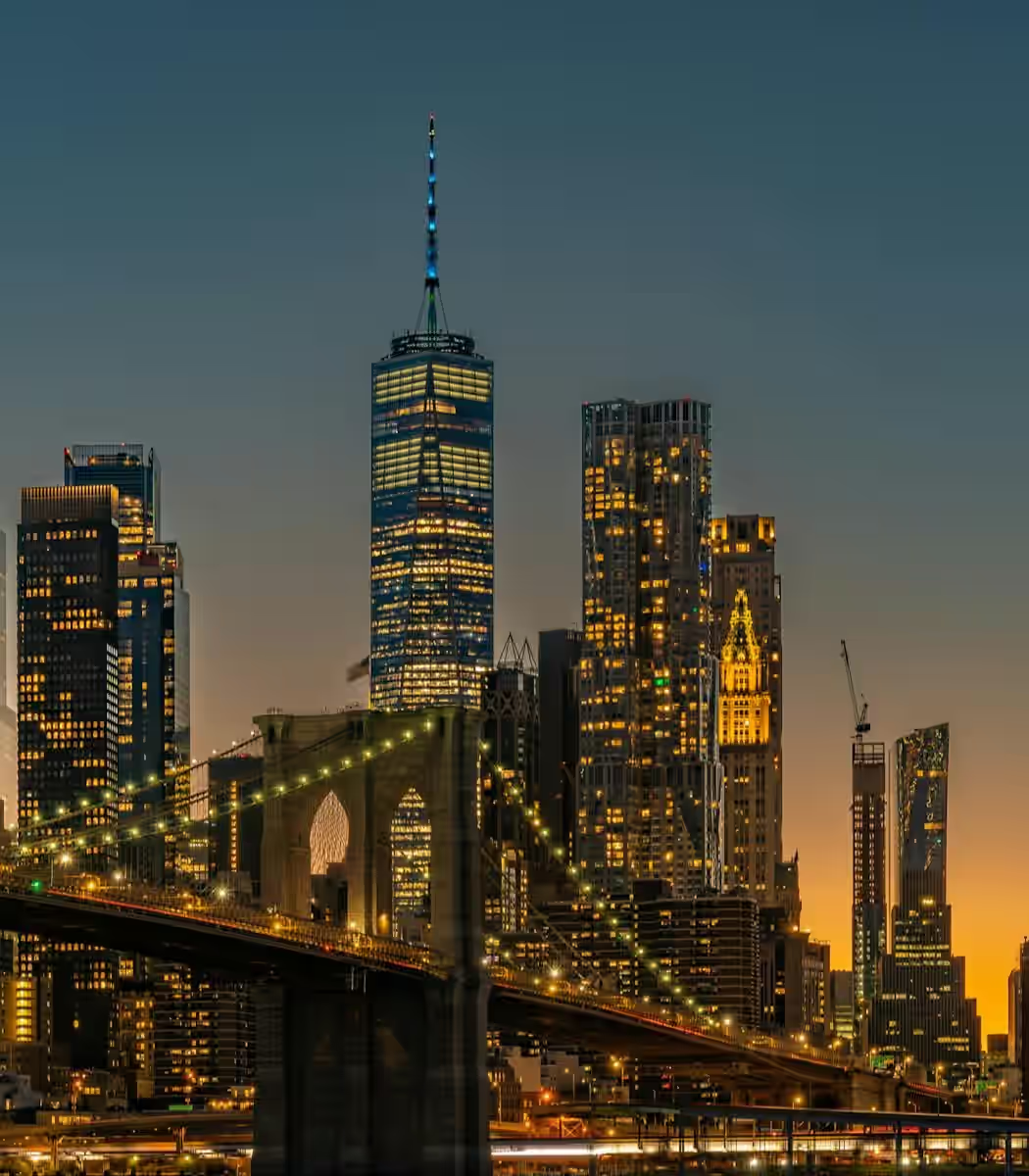
Low-light shots do not just look dark. They hide faces, flatten color, and add noisy texture. Bring out shadow detail, reduce grain, and keep night scenes looking natural.
Drag / Paste / Click
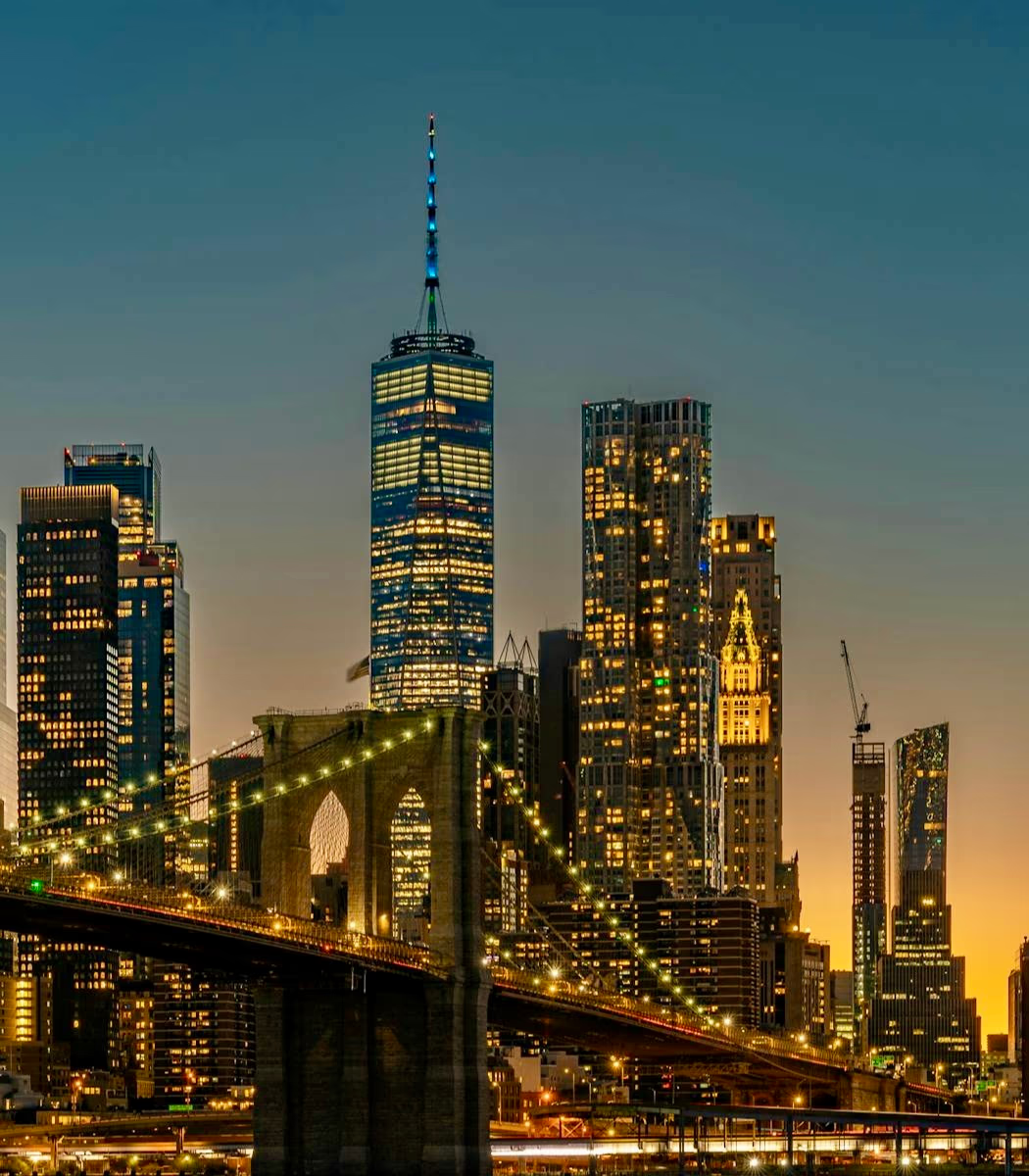
Low-light clips often look worse than simply dark. Weak exposure can crush shadows, create grain, and make bright areas distract from the scene.
Indoor lights can leave faces, products, and backgrounds underexposed, especially when the camera tries to protect bright spots.
Dim footage often shows colored speckles and rough shadows because sensors boost exposure when there is not enough light.
Backlit windows, stage lights, or street lamps can make one area glow while the subject stays too dark.
Bring out faces, objects, and background detail in dim footage while keeping contrast, color, and highlights natural.
Lift dark parts of the frame so important subjects become easier to see in dim, underexposed footage.
When dark phone footage is brightened, sensors often add colored noise and rough texture in the shadows.
Rebalance mixed lighting so lamps, screens, faces, and dark corners feel like they belong in the same scene.
Effortlessly restore clarity, brightness, and details to your videos in just a few clicks.
Add your night clips, dim indoor recordings, or underexposed phone videos. No editing software or complex timelines required.
View a quick, enhanced sample to check how the AI automatically balances lighting and eliminates noise in your footage.
Apply the enhancement to the full video and download a vibrant, production-ready clip without any manual color correction.
Explore related repair workflows for blur, grain, pixelation, and low-light footage.
Get clear answers about low-light grain, missing details, free previews, and what our AI enhancer can realistically improve.
Upload your low-light video now and bring your dark footage back to life.