Action and Events
Reduce motion streaks in sports, performances, pets, celebrations, and other spontaneous scenes.
Target the motion streaks, handheld shake, and missed focus that happen during capture. The unblur workflow improves subject boundaries and visible structure while staying honest about detail that is completely lost.
Drop a blurry image here
Frontend demo: your file stays in this browser and no unblur API is called.


Start with a photo affected by subject motion, camera shake, missed focus, or broad softness.
The deblurring workflow targets directional streaks, displaced edges, and soft subject boundaries.
Compare faces, text, and high-contrast edges closely, especially when the original blur is strong.
Review examples of motion, camera shake, and soft focus to see why deblurring needs more than ordinary sharpening.

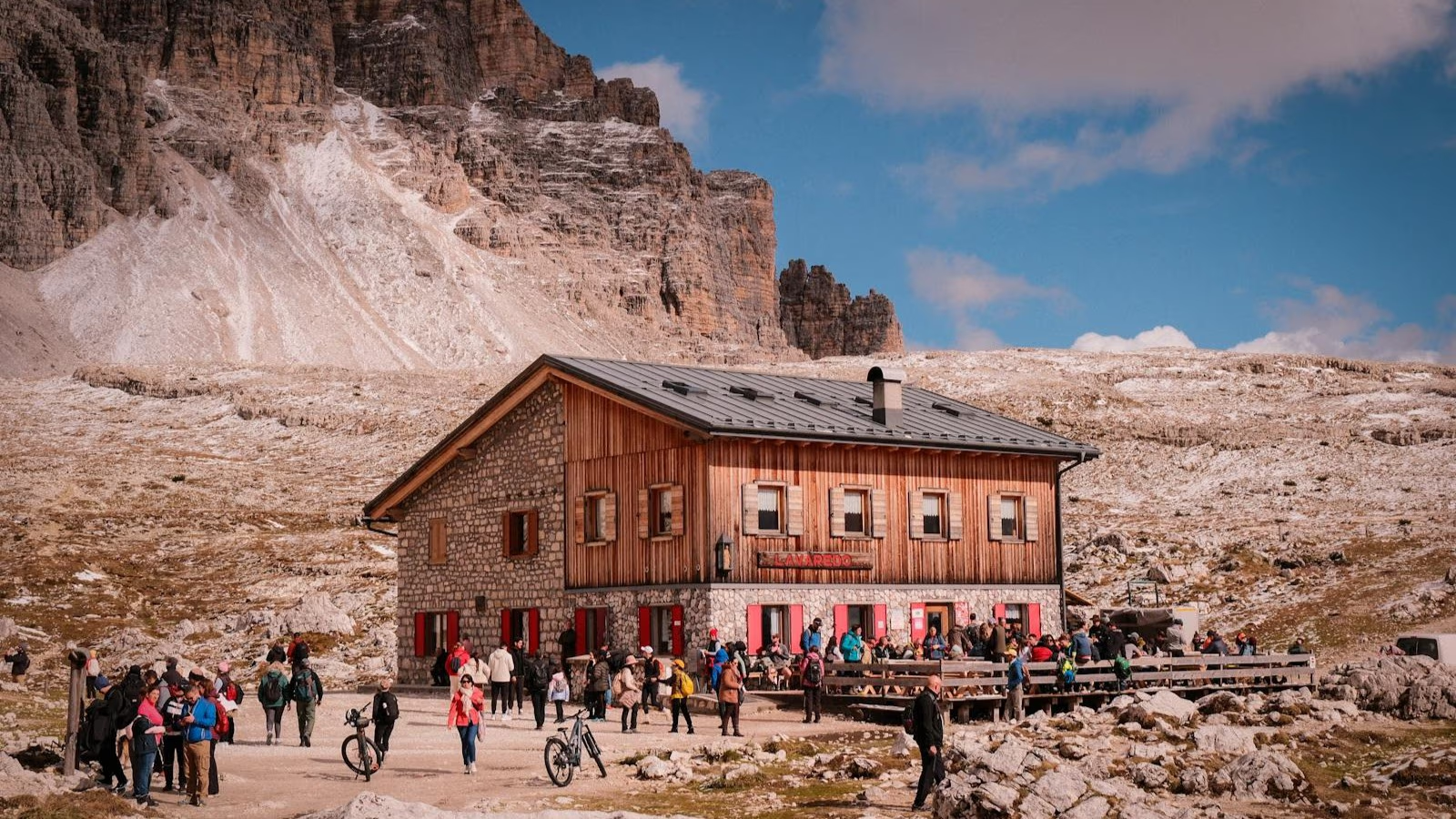
Different capture problems leave different visual patterns. The unblur workflow focuses on those patterns instead of adding the same edge contrast everywhere.
Target the directional trails created by a moving person, pet, vehicle, or camera during exposure. The result can improve subject outlines, though long streaks may contain too little original detail for complete recovery.
Clarify displaced edges around faces, buildings, signs, and landmarks when the camera moved during capture. The workflow aims to reduce ghosted contours without turning every texture into a hard outline.
Bring more readable structure to portraits, objects, or text that landed just outside the focus plane. For an image that is only mildly soft, Sharpen Image provides the more restrained edge-definition workflow.
Choose this tool when motion or missed focus caused blur and sharpening alone is too general.
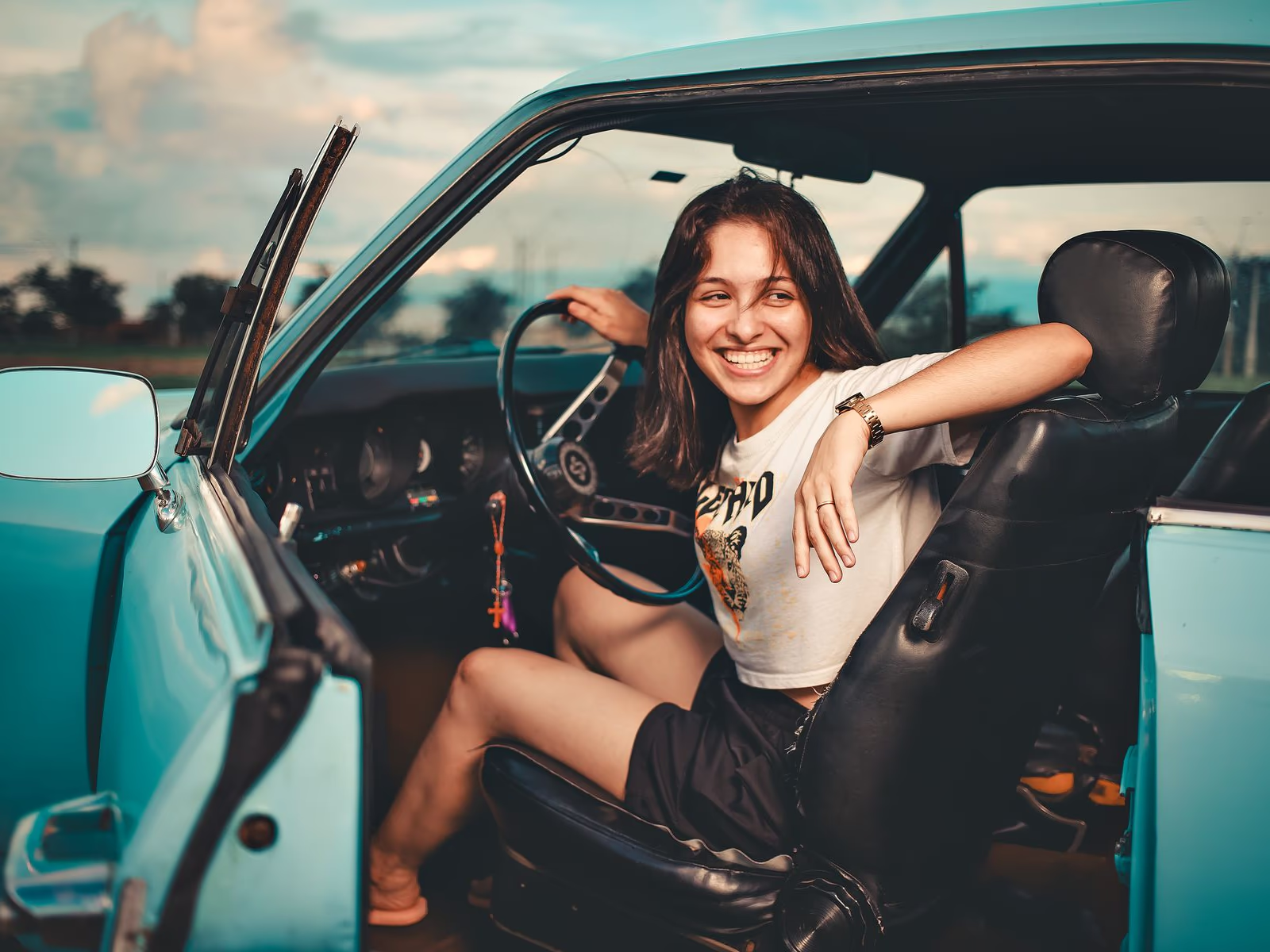
Reduce motion streaks in sports, performances, pets, celebrations, and other spontaneous scenes.
Improve contours affected by small camera movement when a tripod or faster shutter was not available.
Clarify an important subject that is recognizable but landed slightly outside the sharpest focus plane.
Compare faces, signs, and edges with the original; reconstructed detail may not be authentic.
Learn which blur types can improve, how sharpening differs, and where missing detail limits results.