Low-Light Photos
Recover visibility in evening, indoor, and event images while retaining the lighting cues that define the scene.
Lift shadows and midtones in underexposed, backlit, or dimly photographed scenes while keeping windows, skies, lamps, and other bright areas under control. The result stays brighter without losing its original depth.
Drop a dark image here
Frontend demo: your file stays in this browser and no brightening API is called.
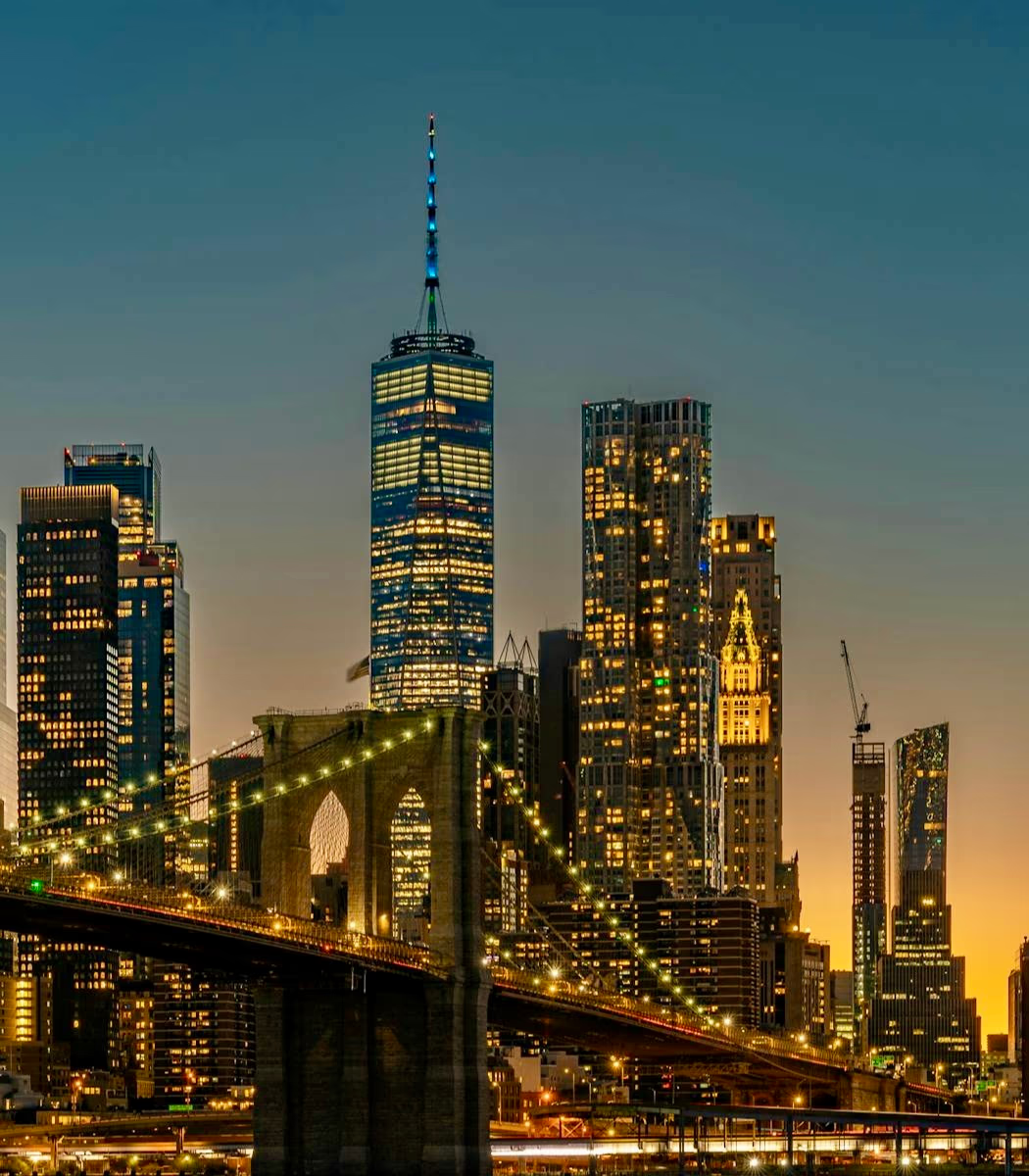
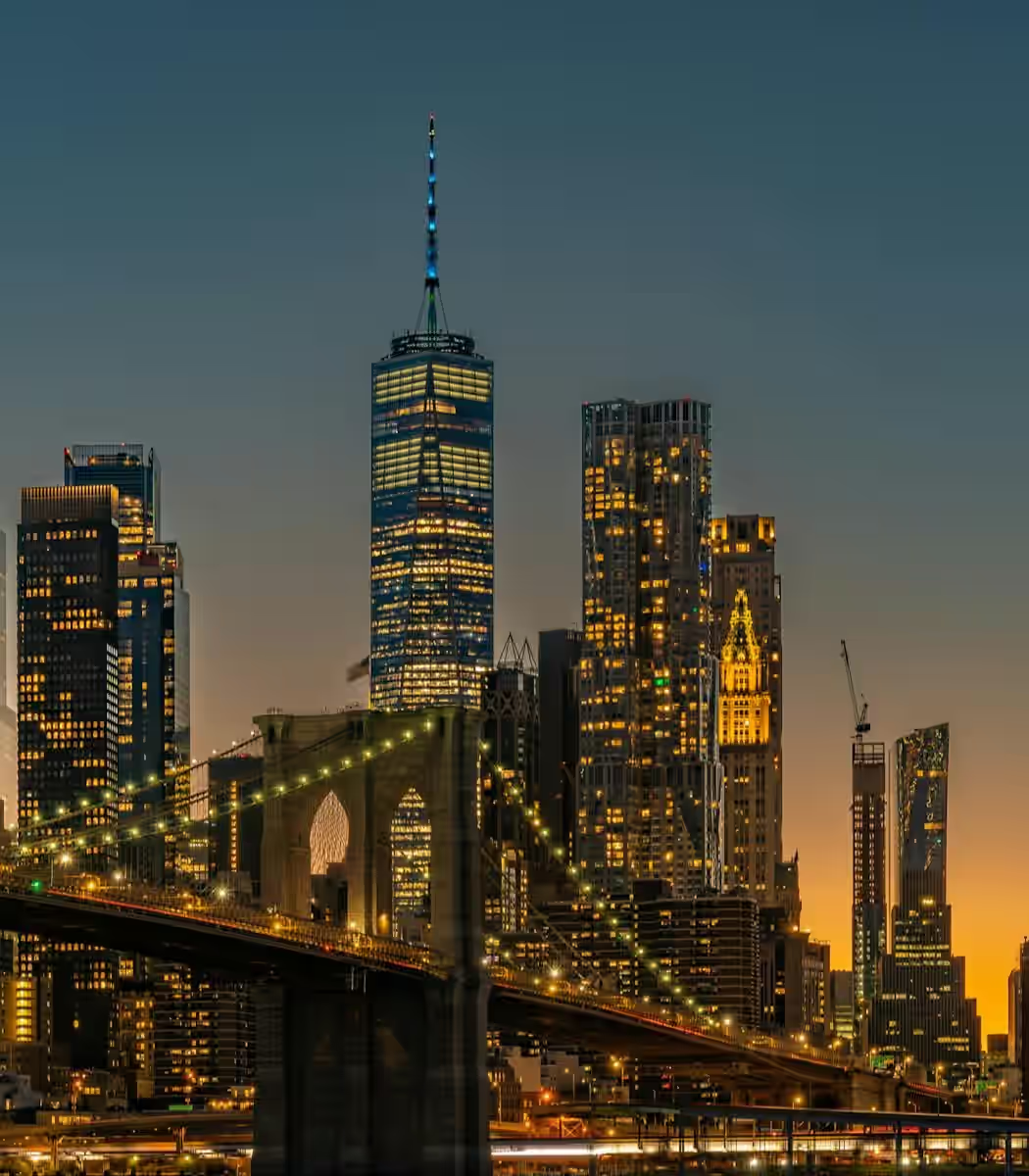
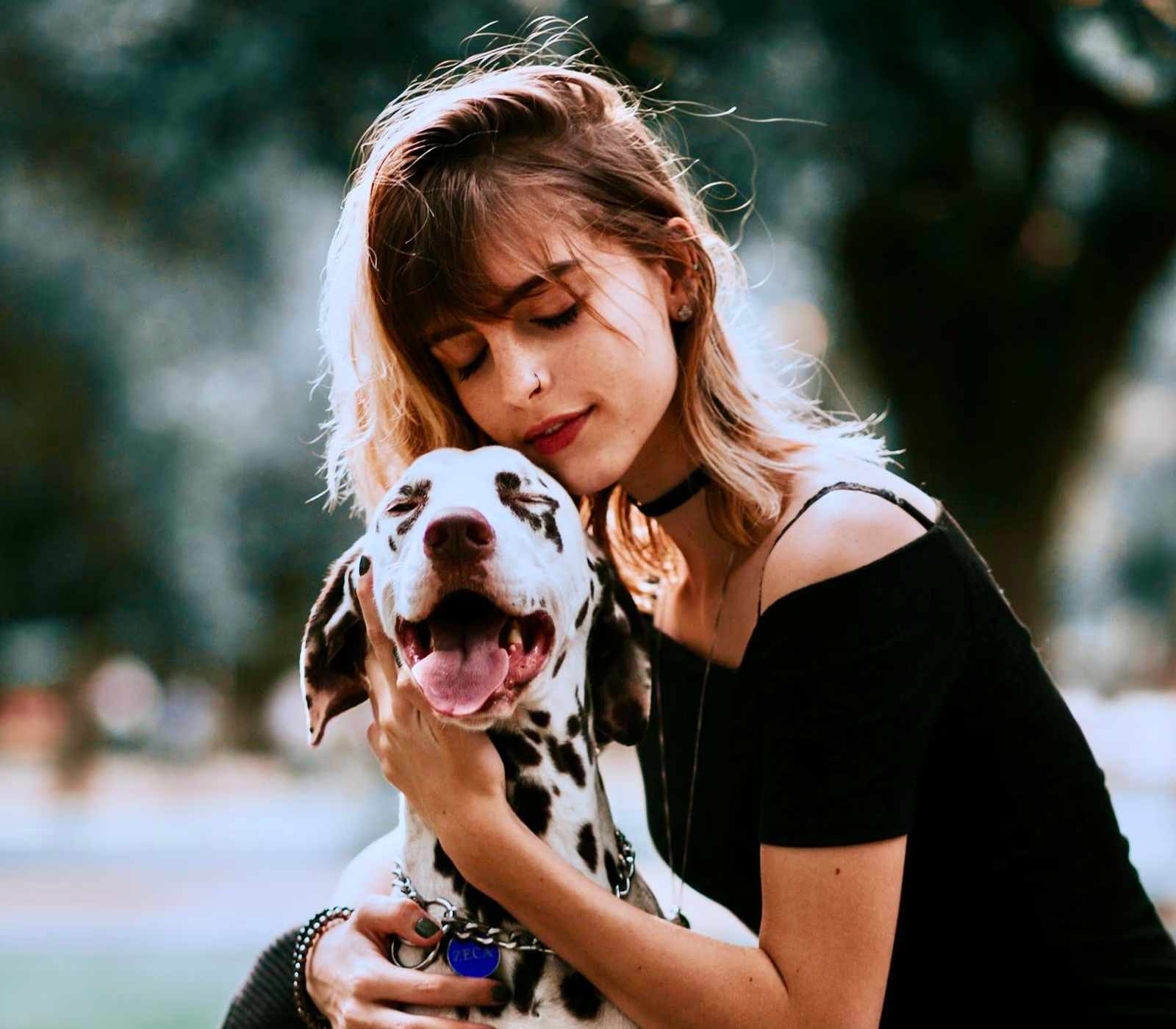
Start with an underexposed, low-light, indoor, nighttime, or backlit image where important details are hard to see.
The brightening pass opens dark regions while protecting areas already close to white.
Compare against the original so faces stay visible and the scene still feels naturally lit.
Correct poor exposure without flattening every tone or turning an intentionally dim scene into artificial daylight.
Lift underexposed faces, clothing, interiors, and background detail so the important parts of the image become easier to see. The correction concentrates on darker tones instead of raising every pixel equally.
Keep existing highlights from turning into large white patches while the darker parts improve. This matters for backlit portraits, interiors with windows, reflective products, lamps, and evening skies.
A nighttime street, restaurant, concert, or candlelit portrait should still look like the same setting. The tool improves visibility without forcing every shadow into a flat, daytime appearance.
Choose the image brightener when exposure is the main problem in an otherwise useful composition.
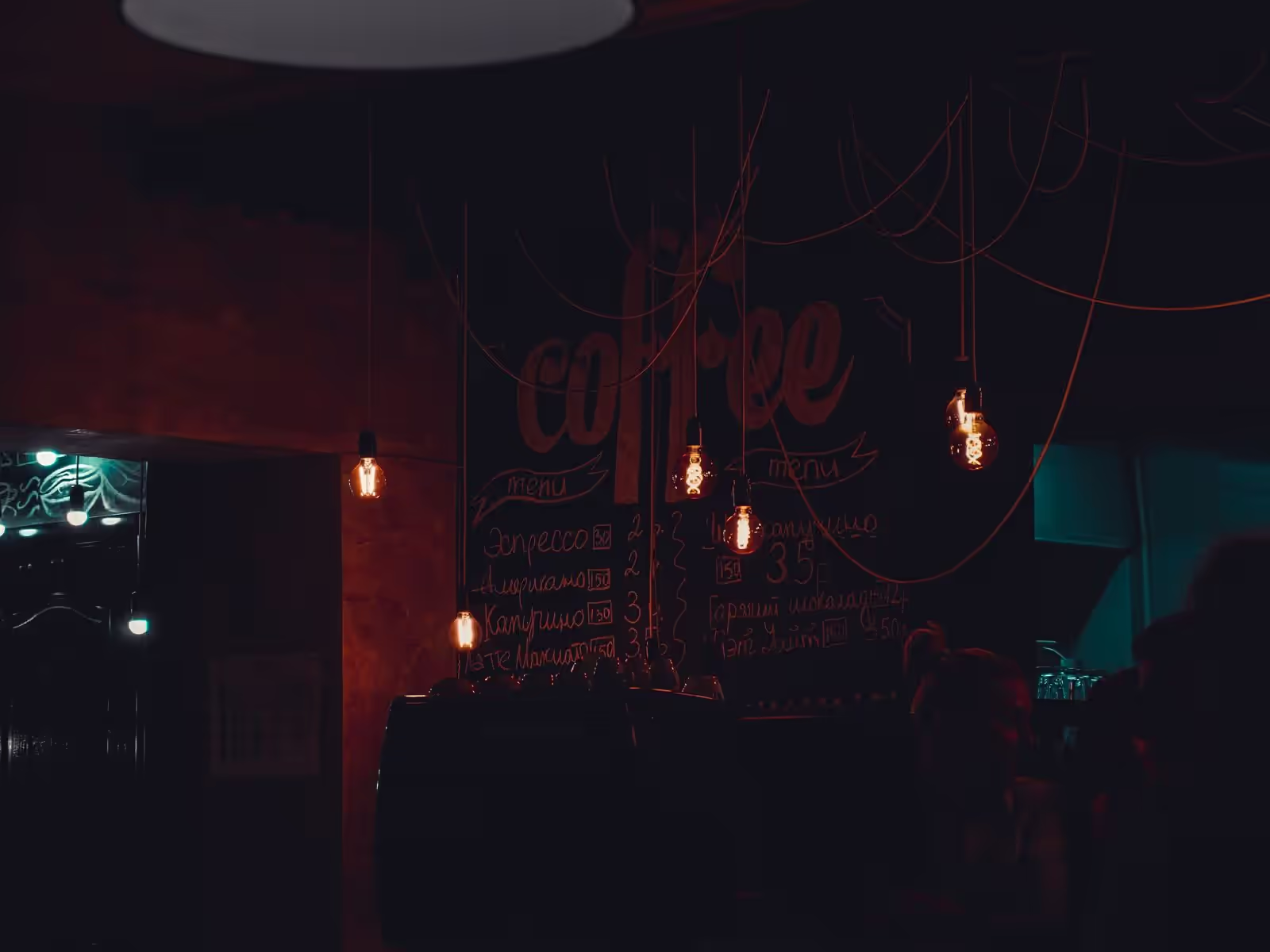
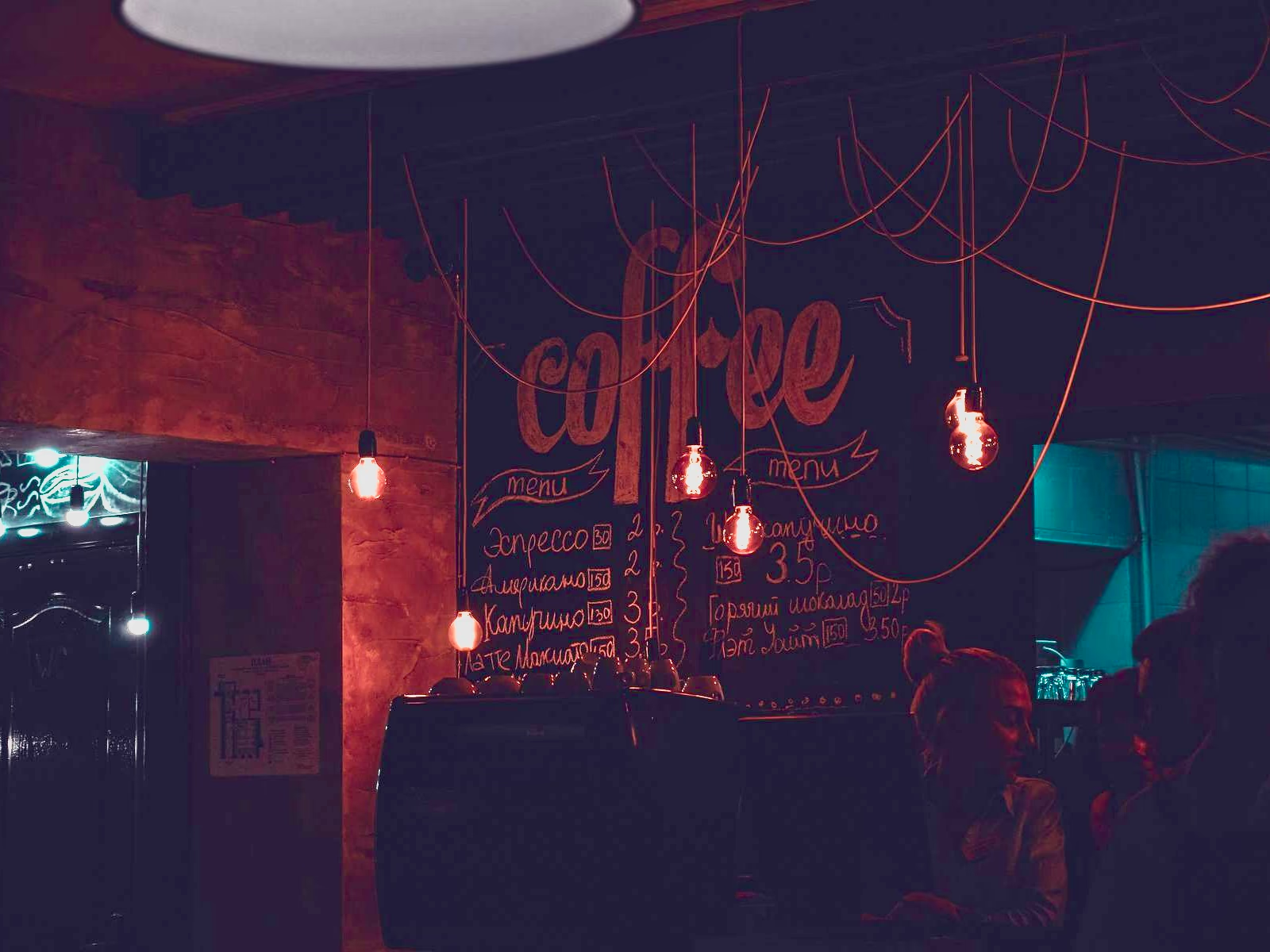
Recover visibility in evening, indoor, and event images while retaining the lighting cues that define the scene.
Lift a face photographed against a bright window or sky without sacrificing the background completely.
Reveal underexposed texture, labels, and materials while controlling highlights on reflective surfaces.
Open dark rooms while protecting windows and preserving natural separation between light and shade.
Learn how to improve dark photos without losing highlights, adding excess noise, or changing the original mood.