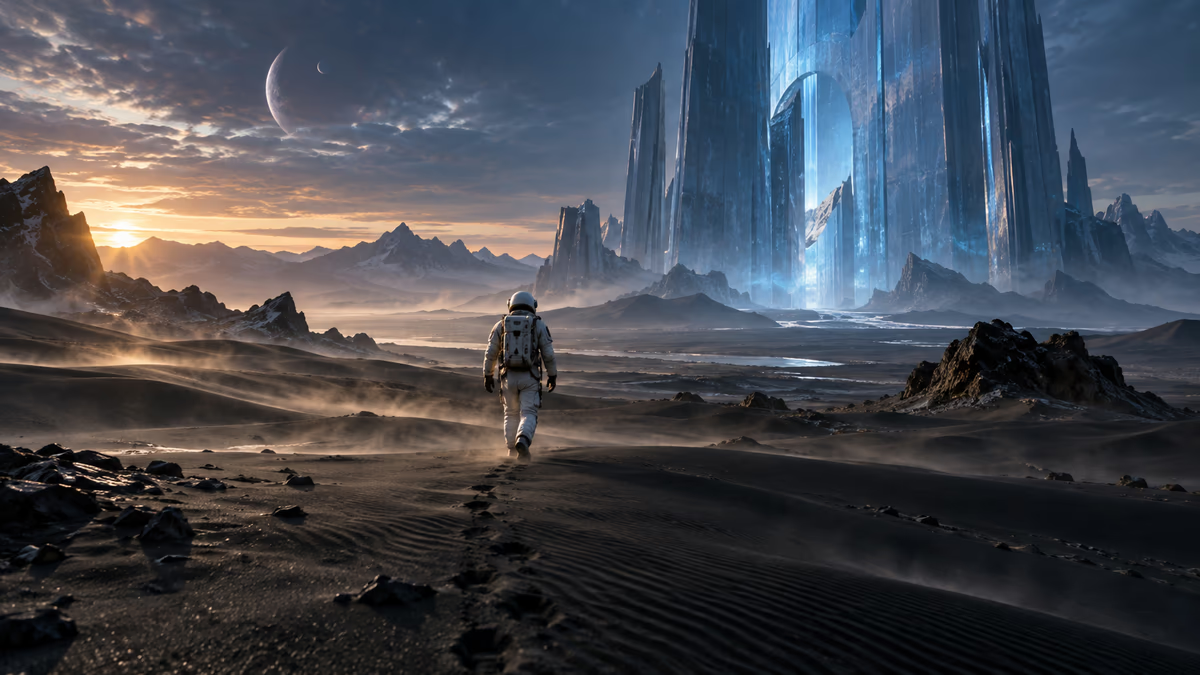
Alien desert expedition
“A lone astronaut crosses a vast black-sand desert toward a monumental translucent blue structure. Cold twilight, airborne dust, warm rim light, slow cinematic dolly forward, realistic science-fiction film look.”

Describe a scene or animate a reference image. Choose a model, tune the output, and generate a downloadable video in one workspace.
Enter a prompt and choose your settings to begin.
Explore original visual directions and send any prompt straight to the generator. Each card is an inspiration image, not a generated-video result.

“A lone astronaut crosses a vast black-sand desert toward a monumental translucent blue structure. Cold twilight, airborne dust, warm rim light, slow cinematic dolly forward, realistic science-fiction film look.”

“An unbranded translucent perfume bottle floats above rippling cobalt water as citrus slices and white flowers orbit it. Crisp studio highlights, premium commercial lighting, slow rotating camera, realistic glass and liquid motion.”

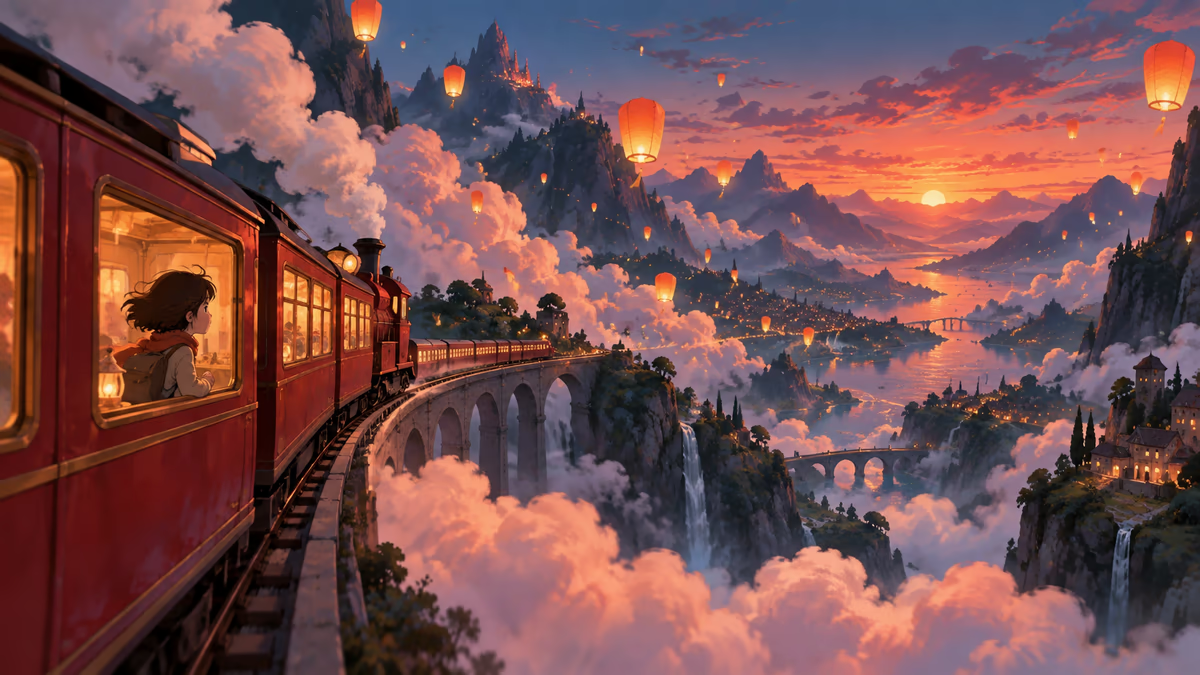
“A small red train glides through a valley of oversized clouds and glowing paper lanterns at blue hour. Hand-painted animation style, layered mountains, gentle parallax, smooth forward tracking, hopeful magical mood.”

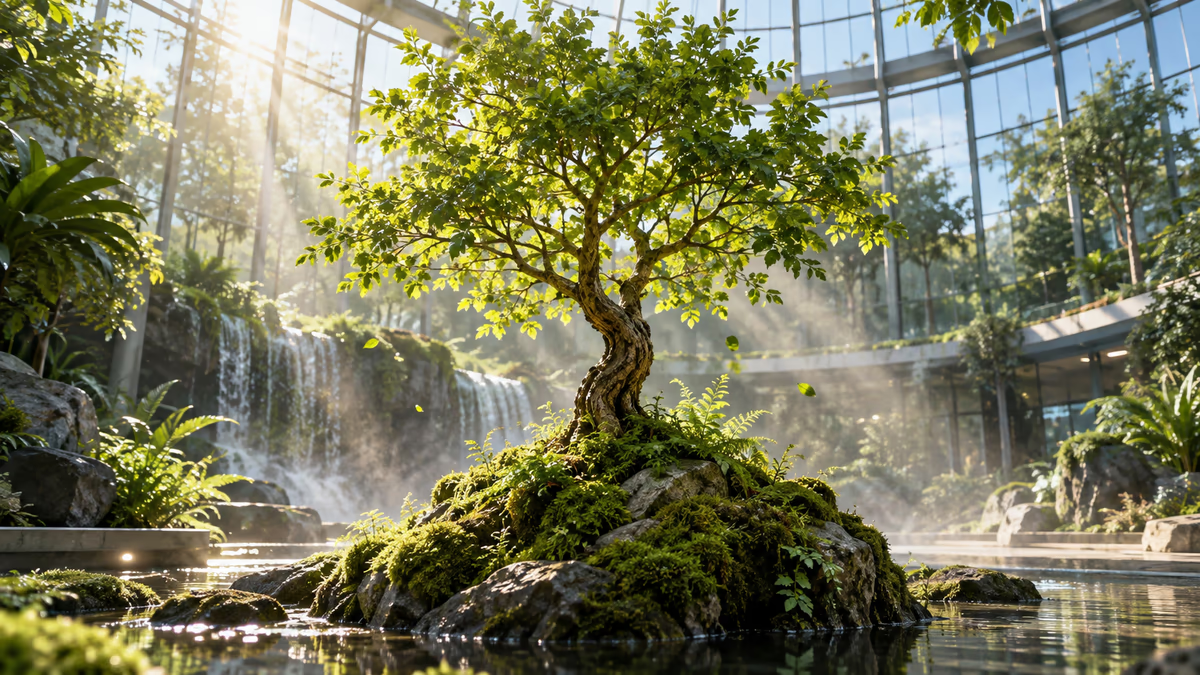
“A vivid green tree grows from a mossy stone inside a sunlit glass atrium. Leaves unfurl in a magical time-lapse, tiny particles drift through morning sunbeams, low camera angle, photorealistic organic detail.”
Choose the workflow that matches what you already have. Both paths use the same controls and downloadable result area.
Text to videoUse text-to-video when the idea exists in your head but you do not yet have a source image.
All available models support text-to-video and image-to-video. Their aspect-ratio and advanced-control options differ.
A focused option for standard landscape, portrait, and square generations with negative-prompt control.
The widest format selection, with resolution choice, audio, fixed-camera mode, and reproducible seed control.
A newer Kling workflow for standard formats, with negative prompts and optional generated audio.
Available options are read from the same production allowlist used by the generator, so the guide stays aligned with the workspace.
The generator keeps creative direction, settings, progress, and the final file in one flow.
Describe the full scene for text-to-video, or add a reference image and focus the prompt on motion.
Set duration, aspect ratio, and the advanced controls exposed by the selected model.

Follow the task in the result panel, preview the completed video, and download the final file.
Specific prompts give the model a clearer hierarchy. Start with the subject and action, then add environment, camera, light, and style.
A useful structure
Use short generations as finished creative, an exploration tool, or a visual starting point for a larger edit.

Turn a creative brief into multiple moving directions before committing to a full production.

Build launch shots, atmosphere, and motion studies around an original product concept or reference image.

Test framing, pacing, and camera language while a story is still inexpensive to change.

Create landscape, square, and portrait ideas for short-form posts, openings, and visual transitions.
The page combines model selection, generation controls, task progress, and final delivery without sending you between separate tools.
Compare Kling and Seedance workflows from one model selector.
Only settings supported by the active model are shown.
See the estimated credit cost before starting the task.
Track progress, review the result, and download from the same page.
A quick guide to inputs, models, timing, credits, and results.
Move from creation into enhancement, smoother motion, or a clean transparent background.
Choose a starting prompt or write your own, then compare the available models in one generation workspace.